Winch cycle
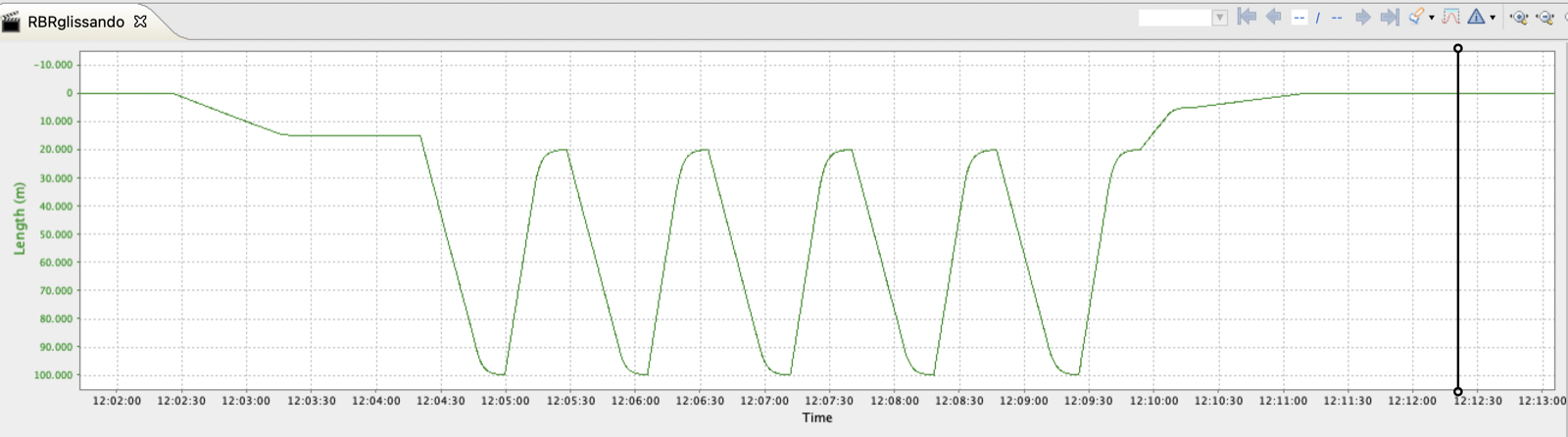
The winch cycle consists of five stages: Deploy, Drop, Haul, Emerge, and Recover. For each stage, you can set the line speed in m/s, the instrument position in meters, and the pause time in seconds.
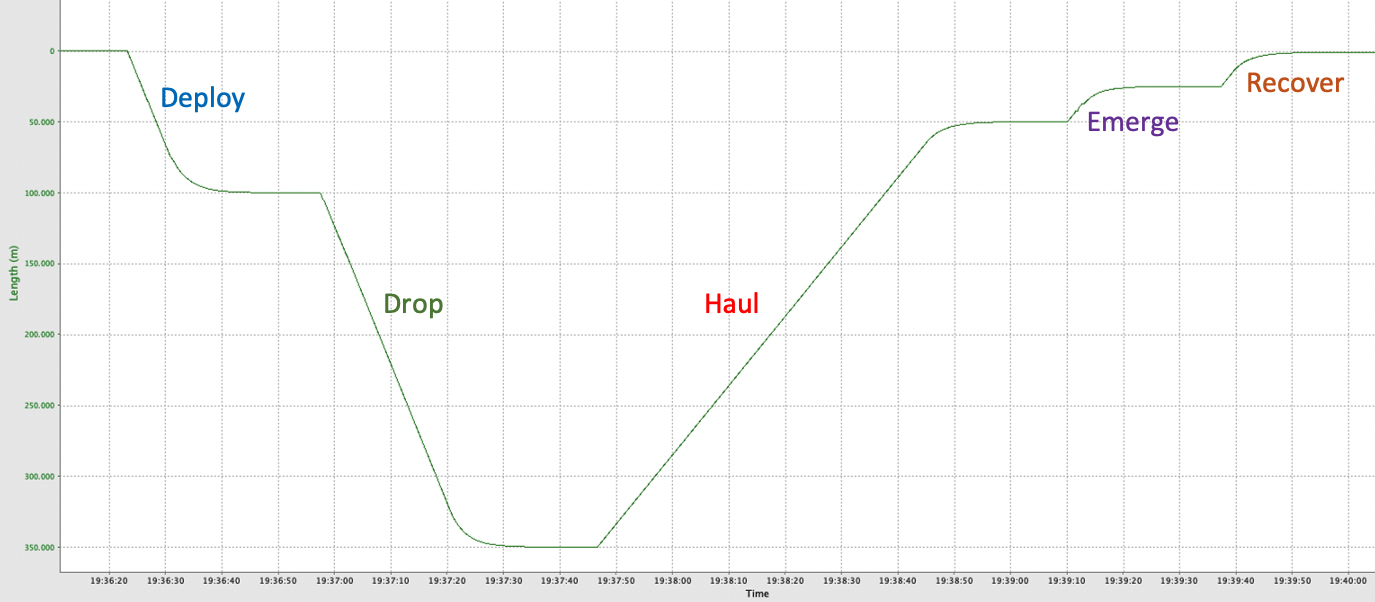
Deploy
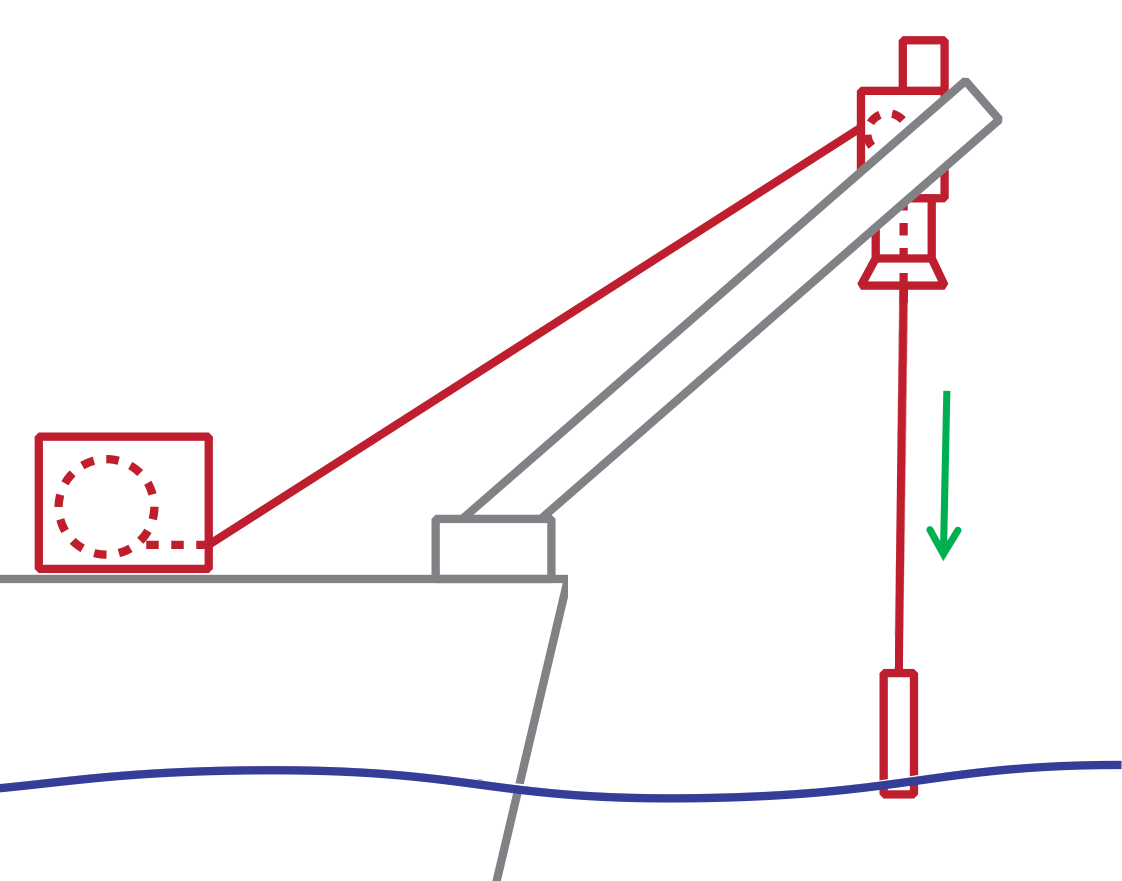
Slowly lower down your instrument to the surface and soak it there for at least a minute to allow the CTD to equilibrate to water temperature.
Drop and Haul
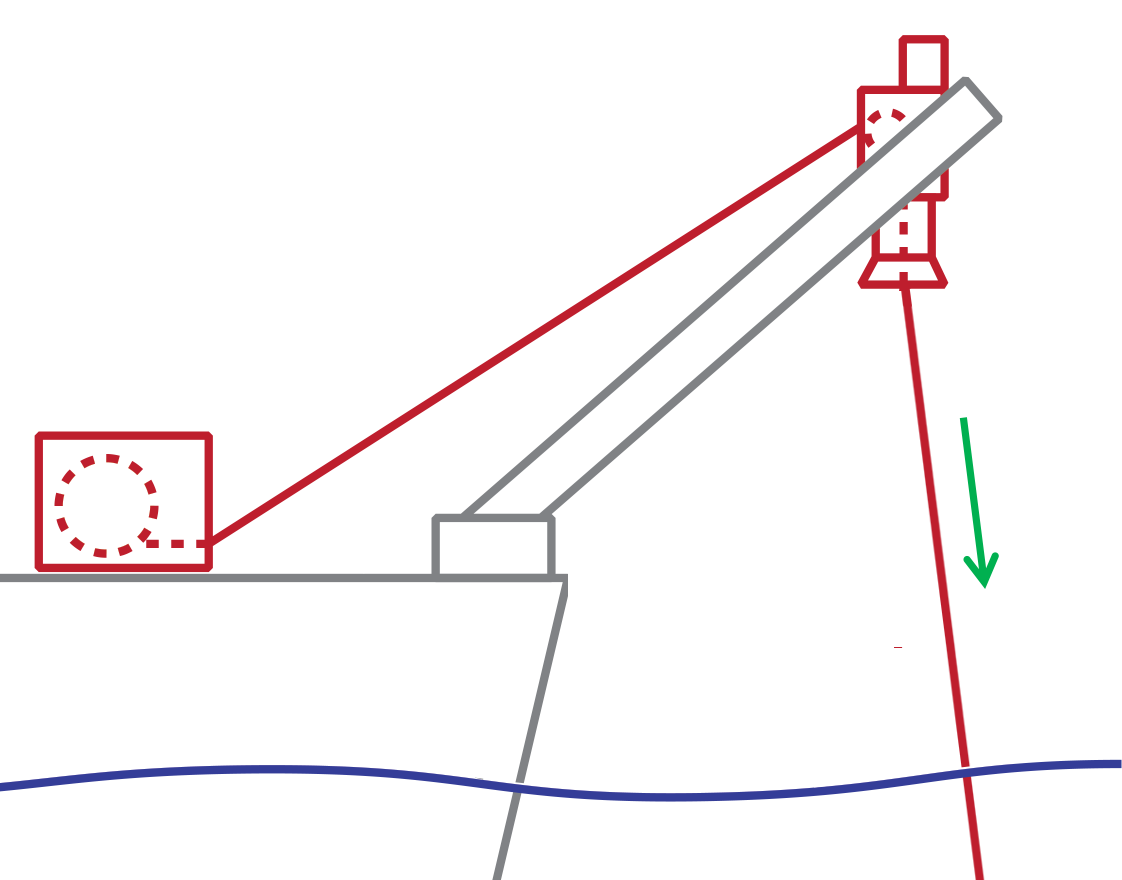
|
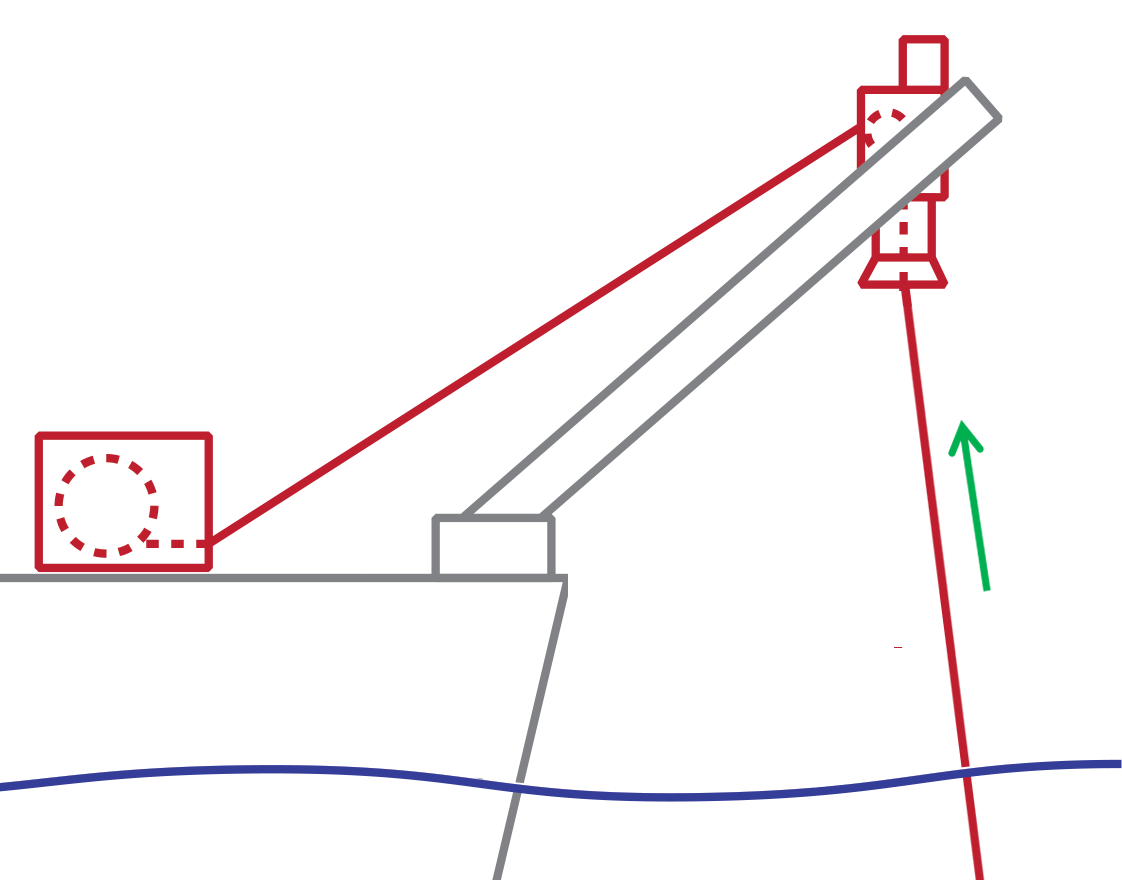
|
These two stages constitute one profile, the downcast and the upcast. Drop the instrument at a high speed and then haul it up to the surface. Drop and Haul are typically repeated several times.
Emerge and Recover
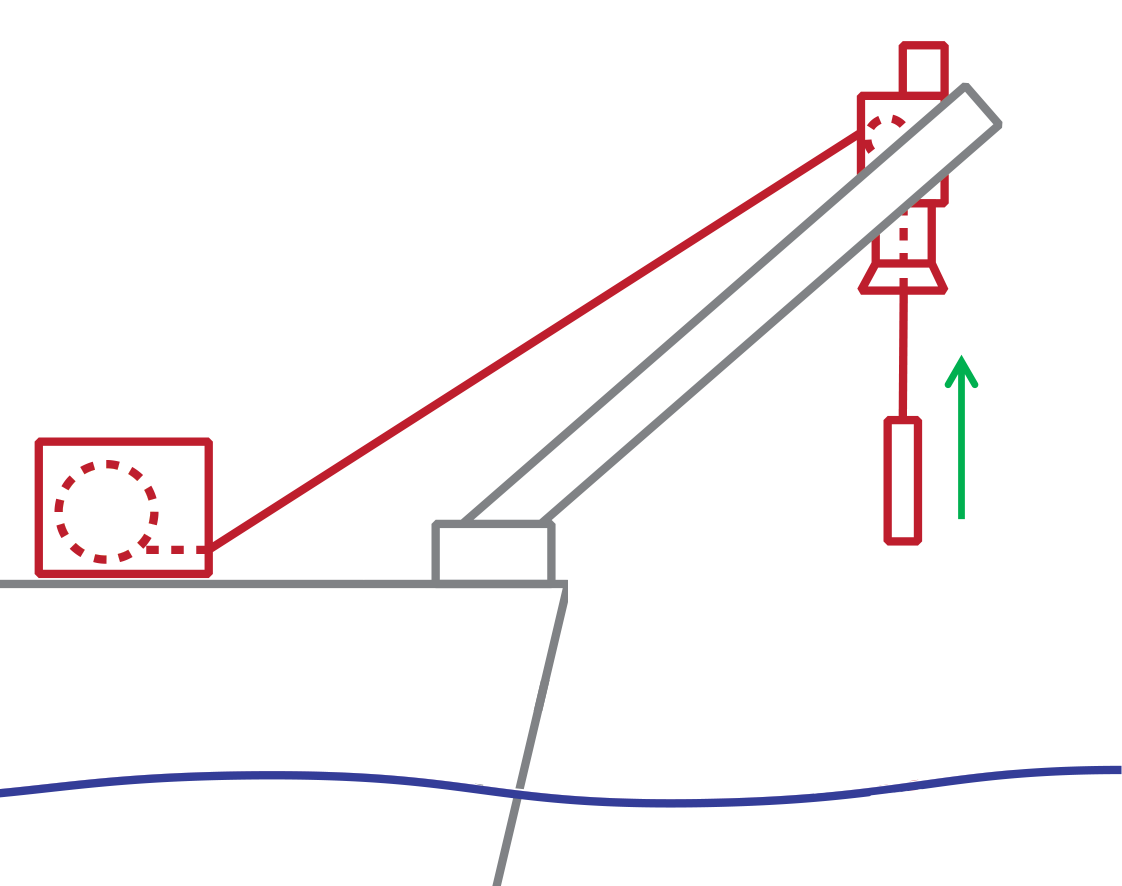
|
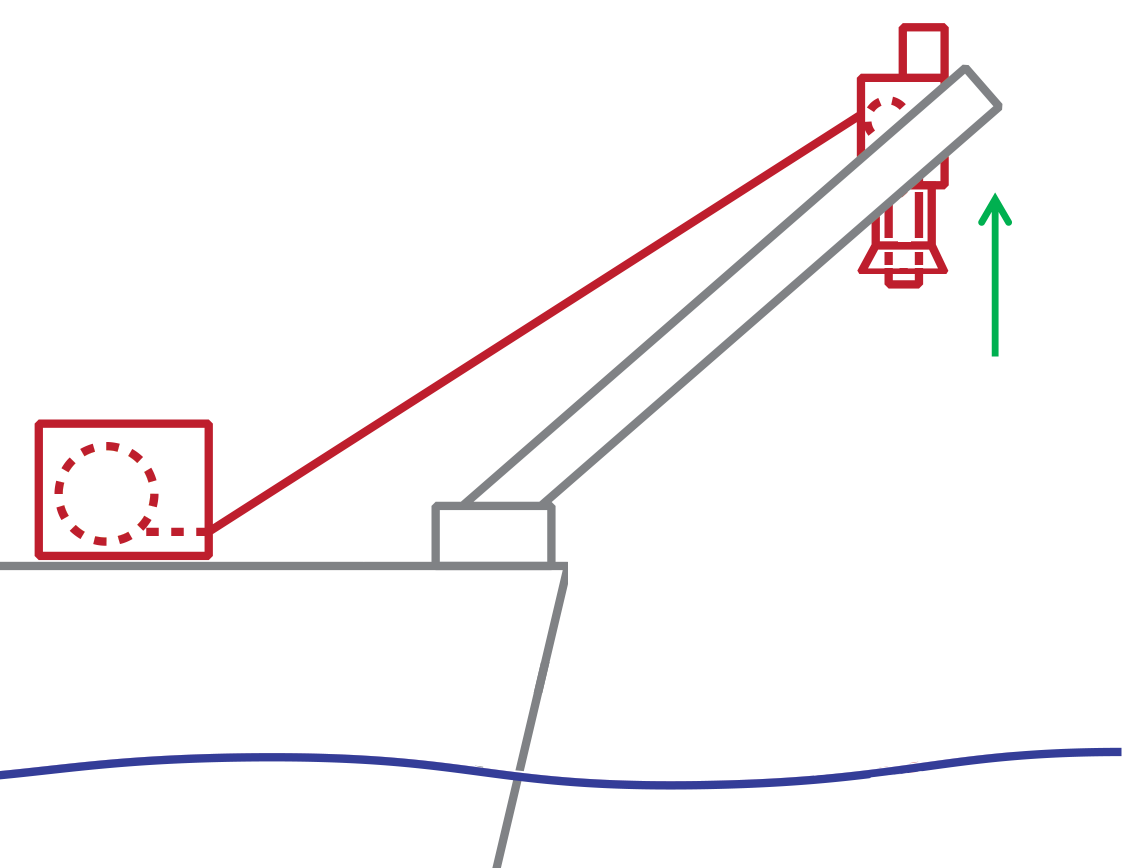
|
At the end of the last upcast, slowly pull the instrument out of the water. Then, at an even slower speed, return the instrument to the bell mouth.
|
For each stage, Length (m) indicates the absolute position of the instrument with respect to Stored position. |

Open the Type dropdown menu and select from None, Drop and haul, Deploy and steam, and Full. These options indicate which stages within the cycle must be repeated.
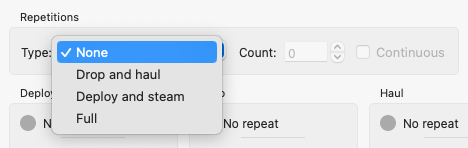
After selecting an option, use Count to set the number of repetitions for the selected cycle, or opt for Continuous to repeat the cycle indefinitely.
Adjust the speeds, lengths, and times for each stage as required.
Click Enable to start.
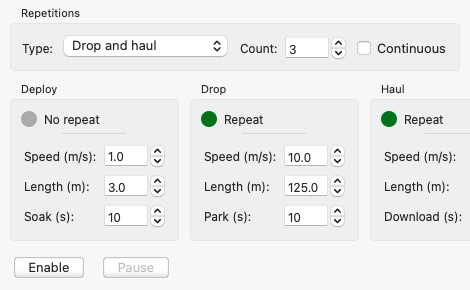
After the cycle starts, Enable will change to Stop and the Pause button will become active.
Pause the winch cycle at any time by clicking Pause. The button will then change to Resume.
Click Resume to continue with the cycle from where it was paused. For example, if it was in the middle of the Drop stage, it will continue to drop the instrument until it reaches the required length.
Click Stop to terminate the cycle. The button will change back to Enable. If you click Enable now, the winch will first return the instrument to its Deploy position (which is Length(m): 3.0 in the example above) and then proceed with Drop and all the subsequent stages and repetitions.
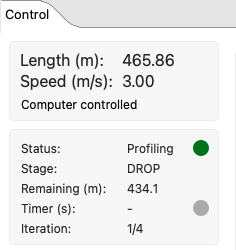
On the left, Ruskin will display the current instrument position and line speed, as well as the status, stage, line length remaining to pay out or wind in on that moment, time left when the cycle is on pause, and the current iteration.
See Example of automated profiling for guidance on how to select automated profiling parameters.