Operating in manual mode on Ruskin
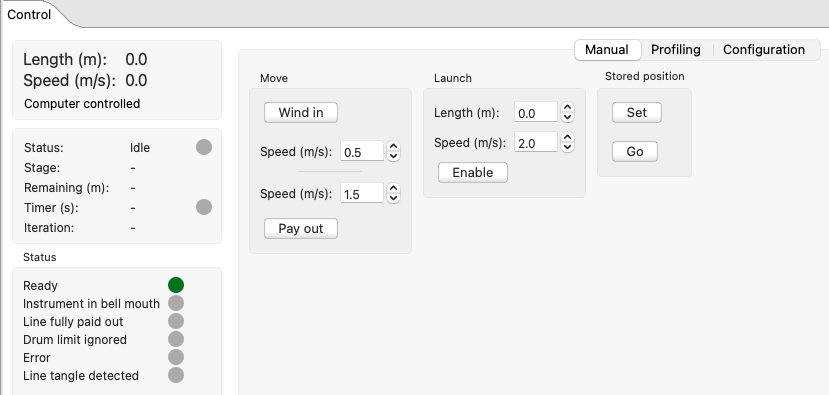
When you connect to the RBRglissando, the Control window defaults to the Manual tab, with three options: Move, Launch, and Stored position.
The Move option allows you to wind in and pay out the line manually. Use Launch to drop your instrument to a desired depth and Stored position, to return the instrument to the bell mouth.
|
if connection to Ruskin is lost, the winch will stop. |
|
Make sure that the line is tensioned during spooling. |
Move
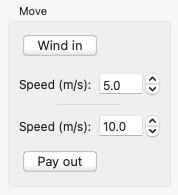
Use this option to raise and lower your instrument manually.
|
|
|
The maximum wind-in speed is 5m/s. The maximum pay-out speed is 10m/s. The minimum wind-in/pay-out speed is 0.1m/s. |
Launch
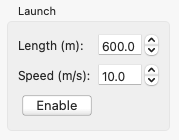
Use this option to drop your instrument to a desired position without using the automated profiling tools.
|
|
|
The maximum launch speed is 10m/s. The minimum launch speed is 0.1m/s. |
Stored position
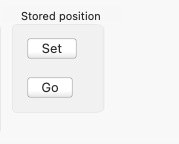
Use this option to set the zero position for your instrument and then, to return the instrument to the bell mouth when necessary.
|
|