Plot window
Monitor the winch operation in the Plot window.
By default, black indicates the speed of the winch and green, the line length, with current values reflected in the table on the right of the plot in real time.
Notifications and warnings appear at the bottom of the graph.
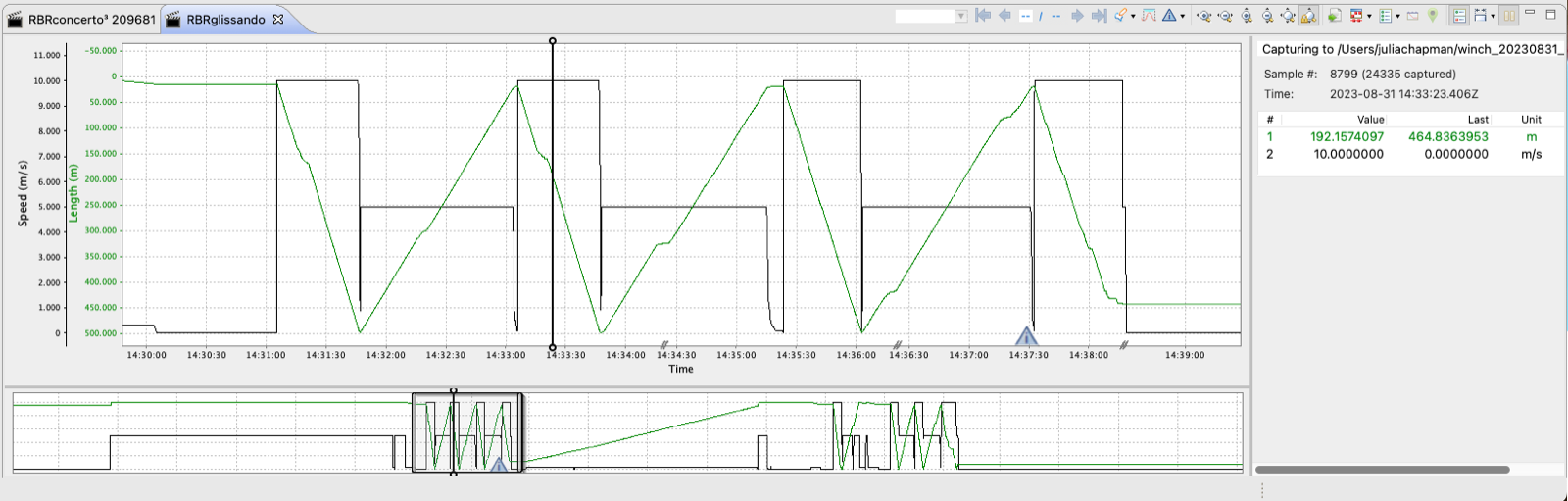
For details on navigating your Plot window, such as using annotations and zoom controls, see Ruskin User Guide: Standard Instruments3, sections 17.1 and 17.4.