Replace batteries
|
Refer to Open and close a compact instrument for details on accessing the battery. |
RBR ships new instruments with fresh, highest capacity batteries included. Replace the batteries before each deployment to maximise the operational time, and prevent data loss.
See Ruskin User Guide: Compact Instruments⁴ for information on predicting battery life.
Replacing the battery
-
Open the instrument and pull out the sensor carriage.
-
Push the battery out of its holder using your finger or a blunt tool.
-
Insert new AA-type batteries into the holder.
-
Check for correct polarity.
-
Insert the sensor carriage into the housing and close the instrument.
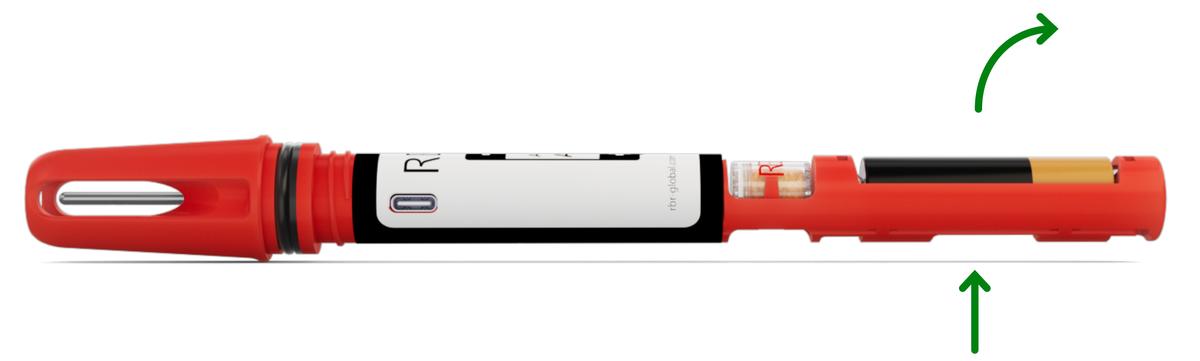
|
For the RBRsolo⁴ and RBRduet⁴ | 2x variants, RBR recommends replacing both cells to ensure maximum performance. |
|
Always remove the battery from your instrument during long-term storage. Doing so will prevent internal damage due to battery leakage and/or corrosion. |