Replacing the battery
|
Refer to Opening and closing a compact instrument for details on accessing the battery. |
RBR ships new instruments with fresh, highest capacity batteries included. Replace the batteries before each deployment to maximise the operational time, and prevent data loss.
Ruskin software can estimate battery life based on chemistry and deployment parameters. See Ruskin User Guide: Compact Instruments³ for more information on predicting battery life.
Replacing the battery
|
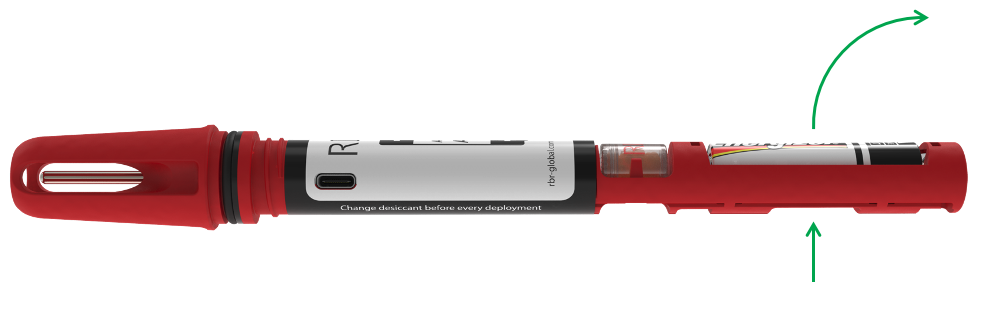
Fig. 20. An RBRsolo³ T battery carriage: note the direction of removal
|
|
Always remove the battery from your instrument during long-term storage. |