Telemetry
GSM/LTE
Before GSM telemetry can function, a SIM-card equipped with a data plan must be installed into the RBRcervello.
|
The end-user is responsible for provisioning a SIM-card and a data plan for use with the RBRcervello. To determine specific data quota requirements for your deployment scenario, please contact RBR. |
Supported bands
GSM/LTE modem |
LTE FDD (Bands 1,2,3,4,5,7,8,12,13,18,19,20,26,28) LTE TDD (Bands 38,39,40,41) WCDMA (Bands 1,2,4,5,6,8,19) GSM (Bands 2,3,5,8) |
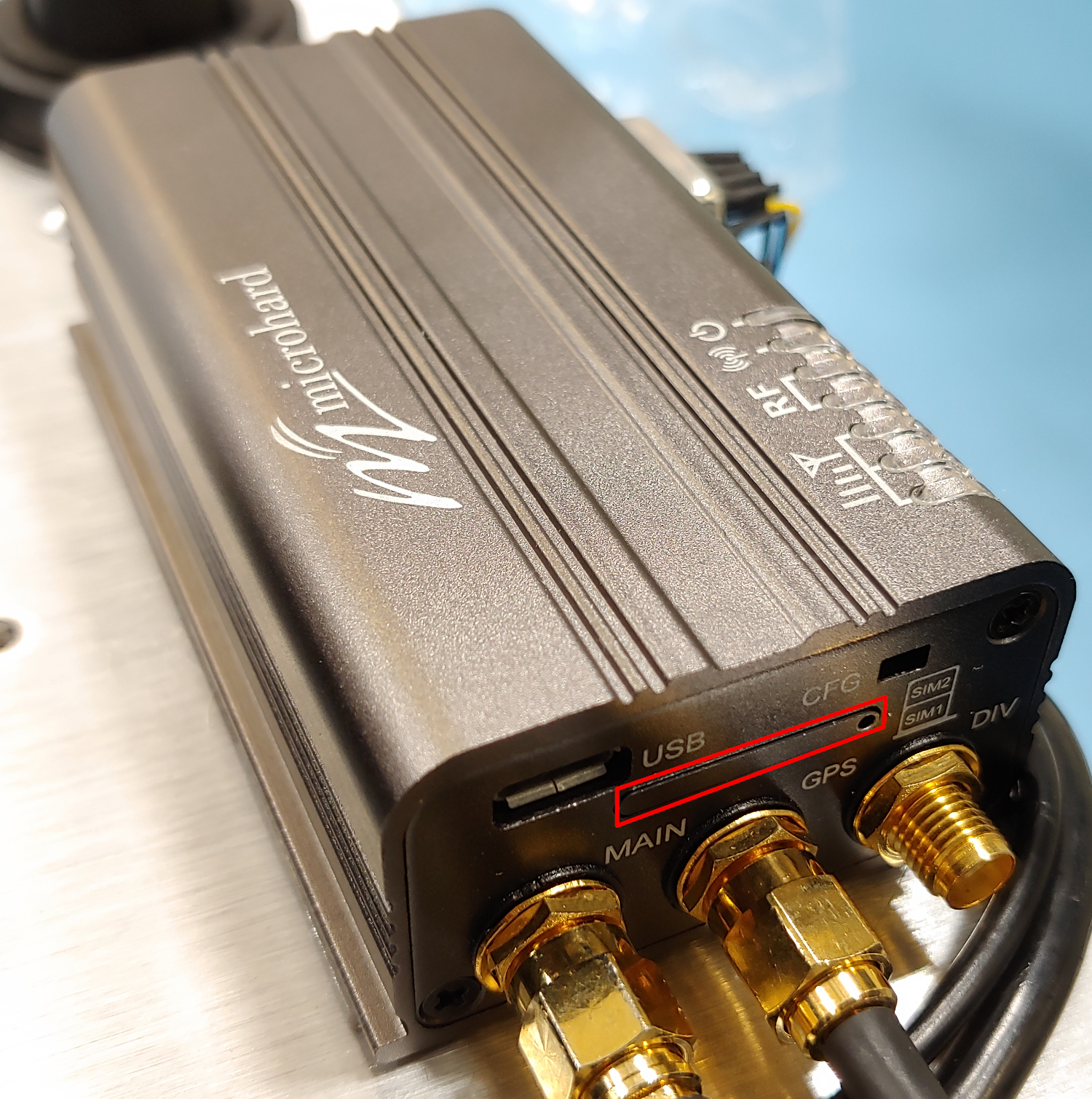
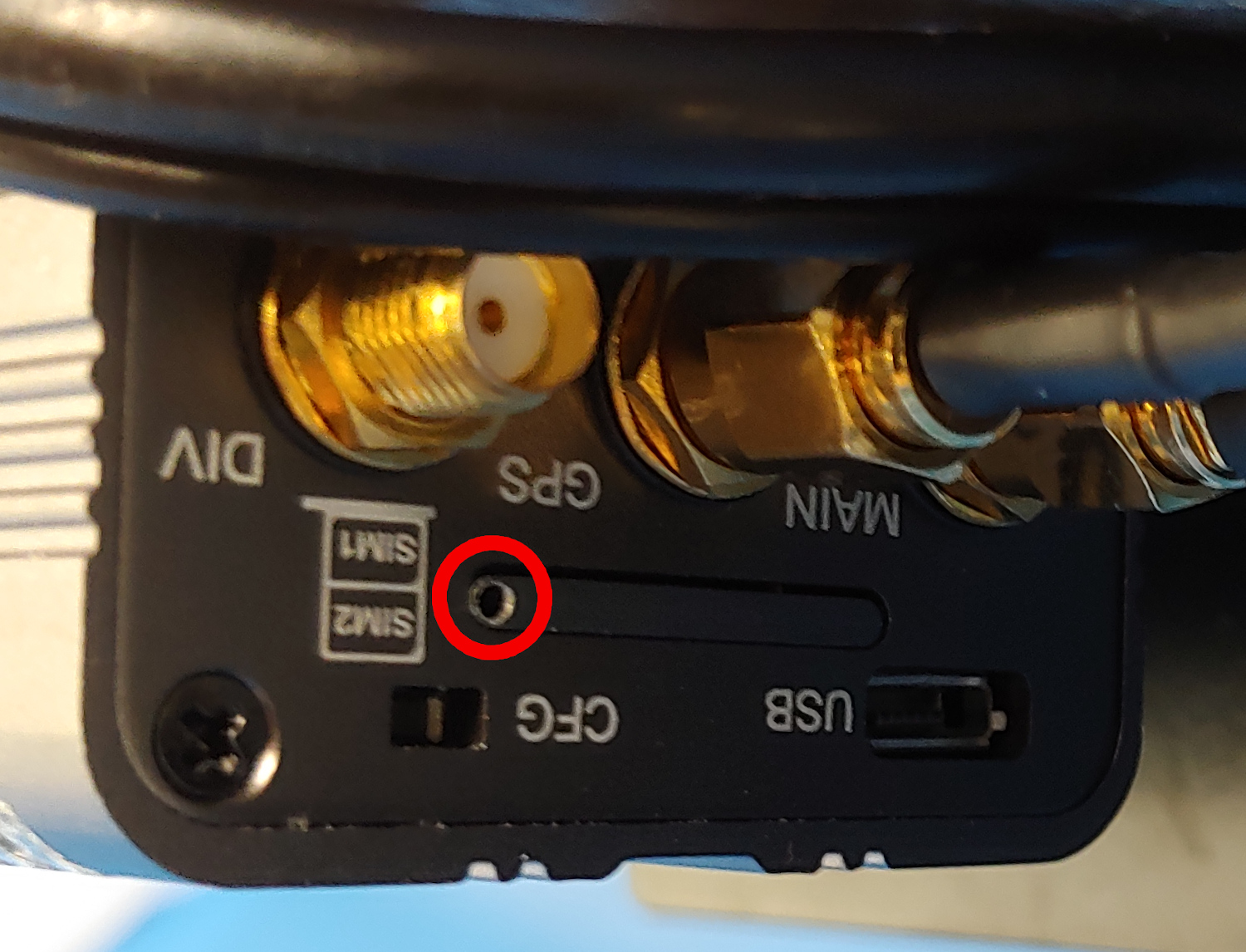
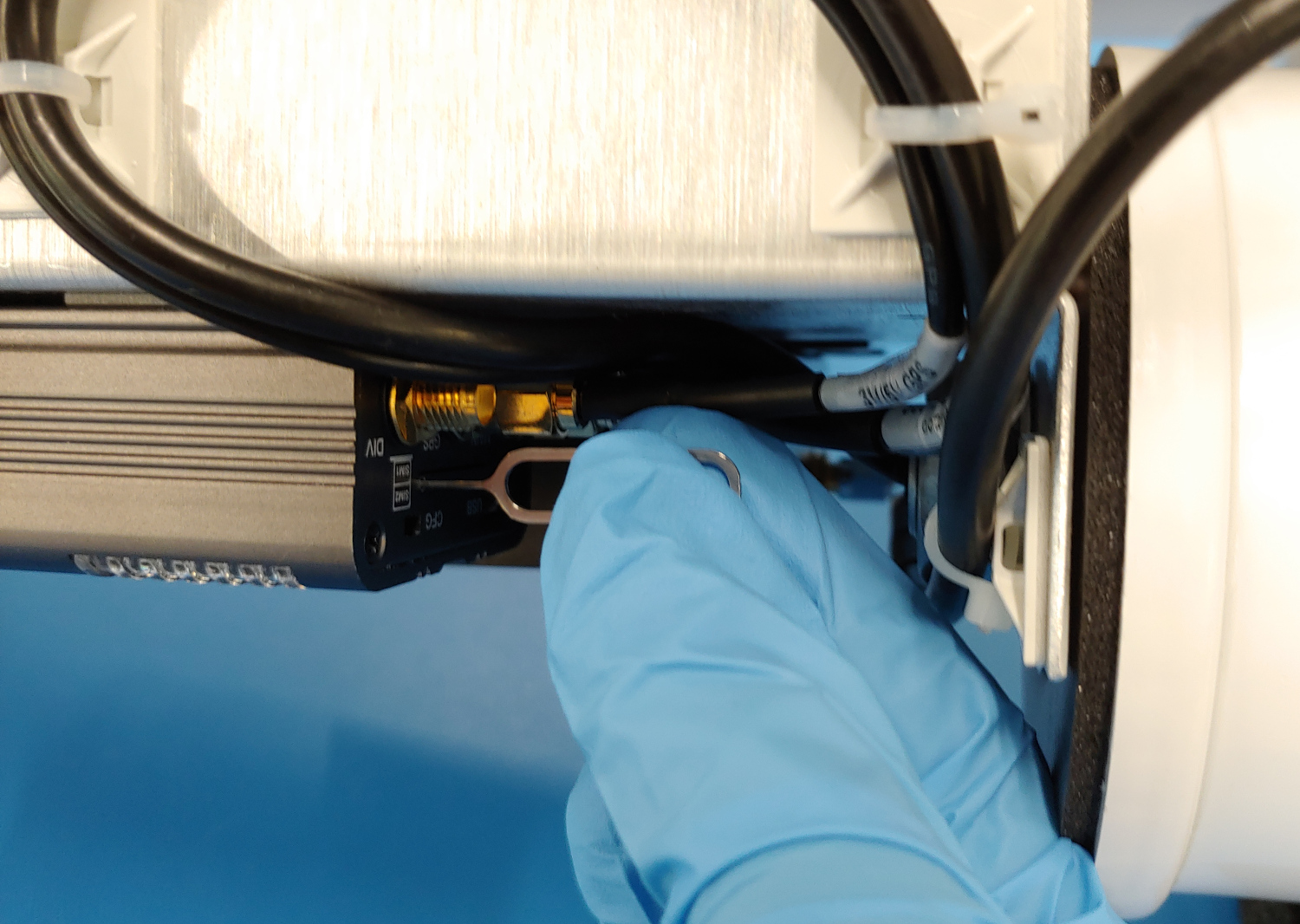
Accessing the GSM/LTE modem SIM card tray
|
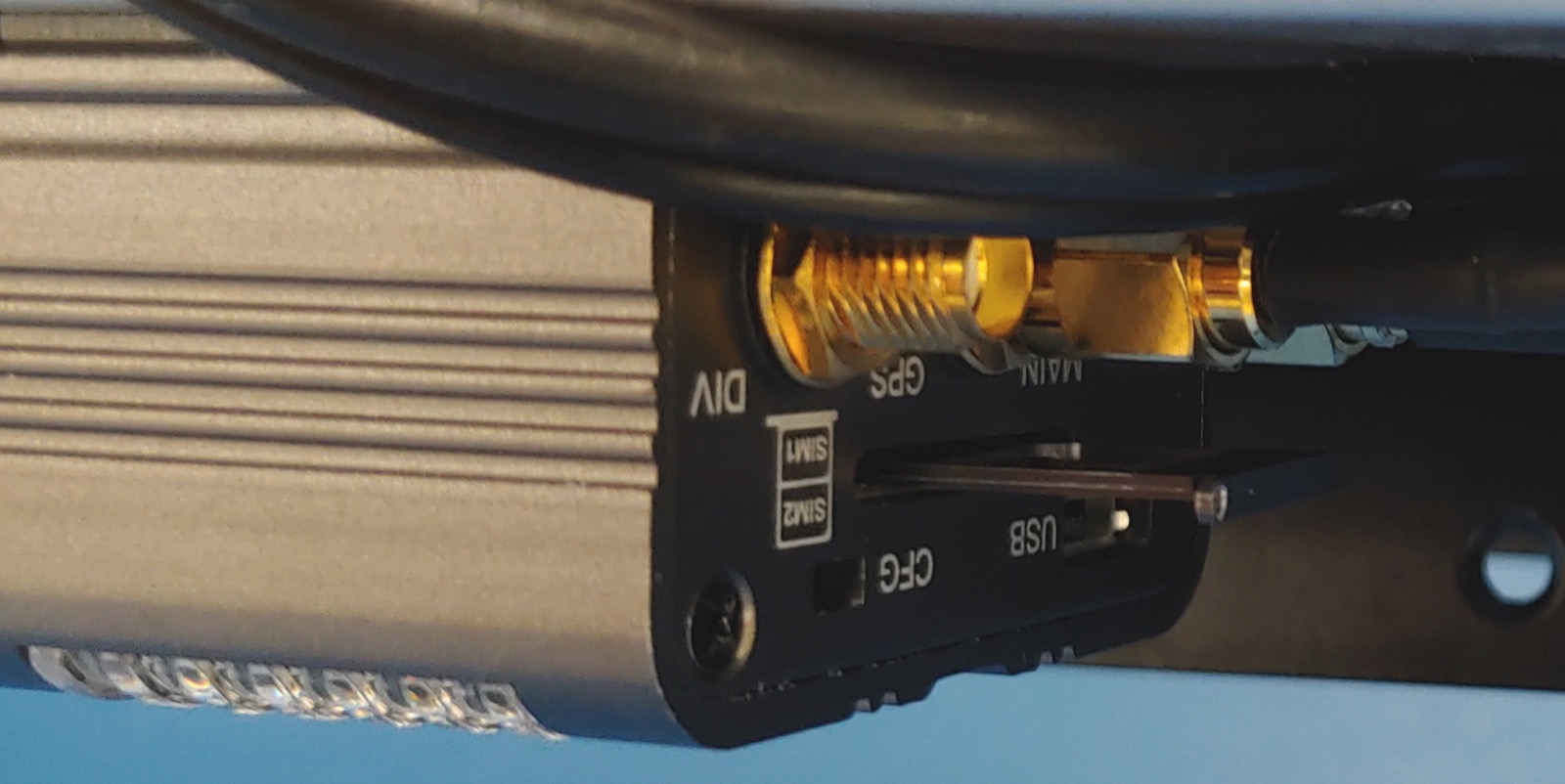
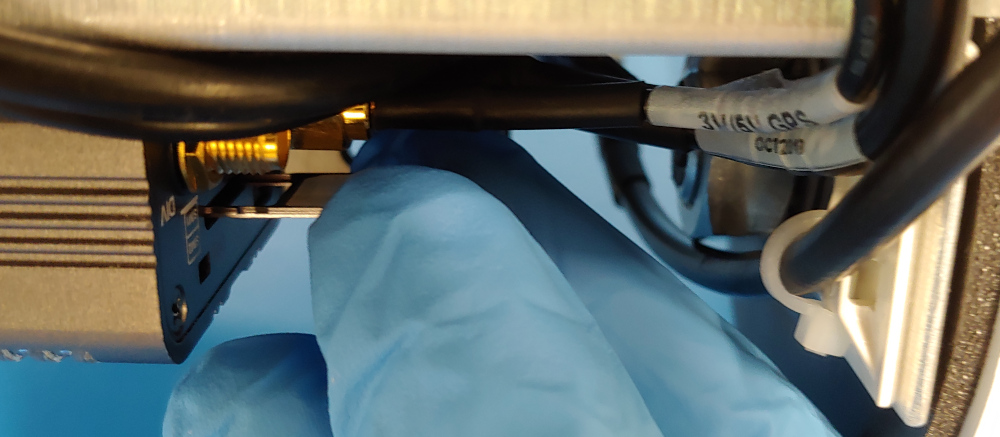
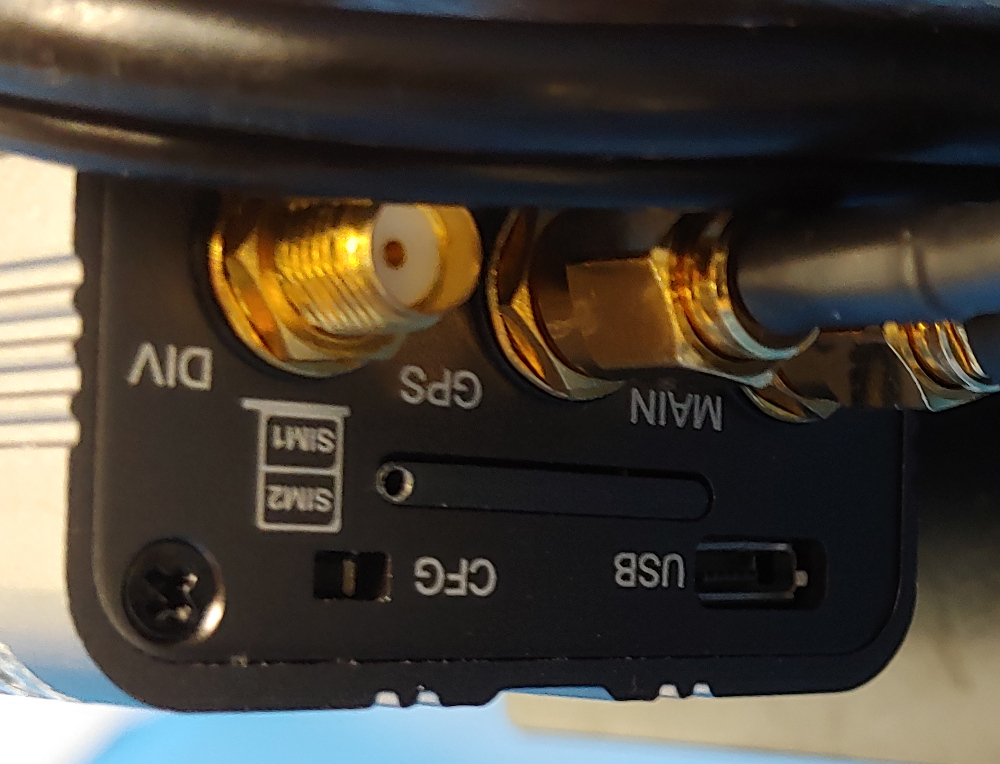
The GSM/LTE modem can be found in the sensor endcap of the profiler. Please follow Opening the instrument to open the instrument from the sensor endcap. |
|
For dual modems manufactured after April 2021:
|
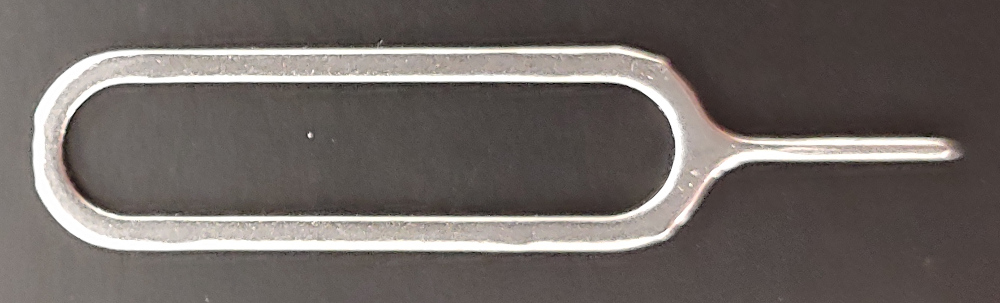
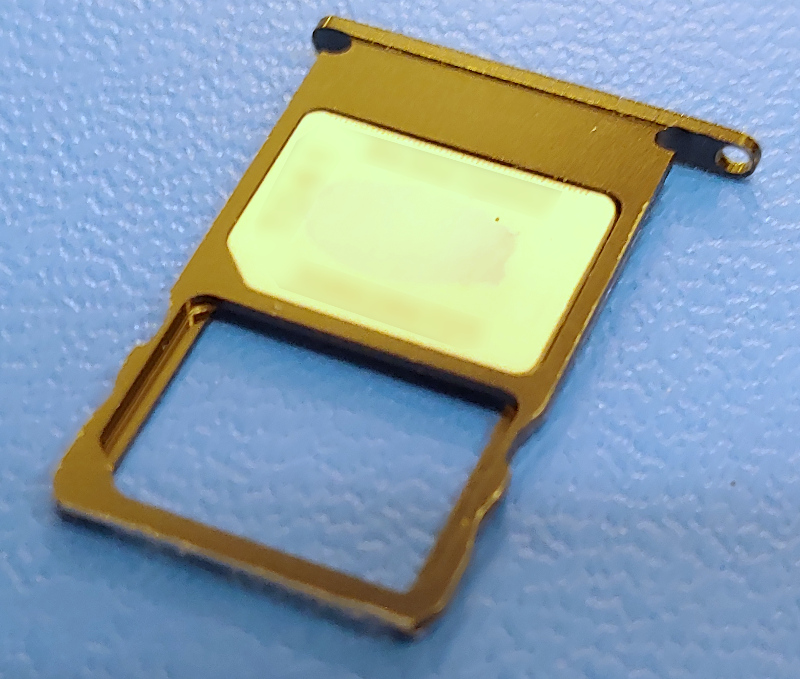
The GSM modem accepts a nano SIM-card (4FF).
|
|
|
|
|
|
|
|
|
|
|
|
Most cellular providers require no further configuration. If telemetry difficulties arise, or if you know your provider requires additional APN configuration, please contact RBR.