Twist activation
The RBRduraturo4 is equipped with twist activation. Twist activation allows you to start or pause the instrument without the need to connect to a computer.
To use Twist activation, in Ruskin, go to the Deployment tab and from the Start menu select Twist activation. The instrument will now sample based on the twist position (pause or run) rather than a schedule. To enable sampling, first click Enable in Ruskin to enable logging. The status will then become Paused. Turn the battery end-cap to the run position (Fig. 3). The instrument will vibrate with one long pulse and start sampling. To pause it, turn the battery end-cap to the pause position (Fig. 4). The instrument will vibrate with three short pulses to indicate it has paused logging.
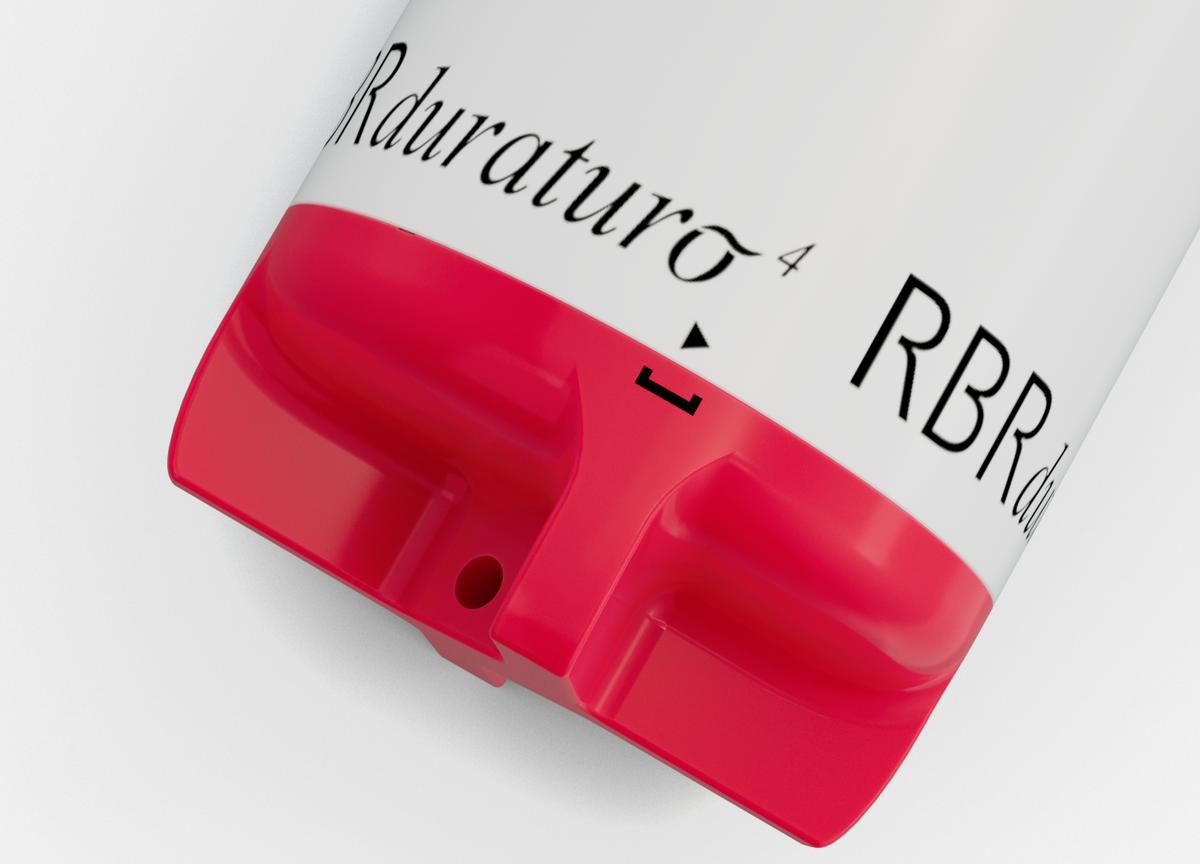
Fig. 3. The battery end-cap in the run position.
|
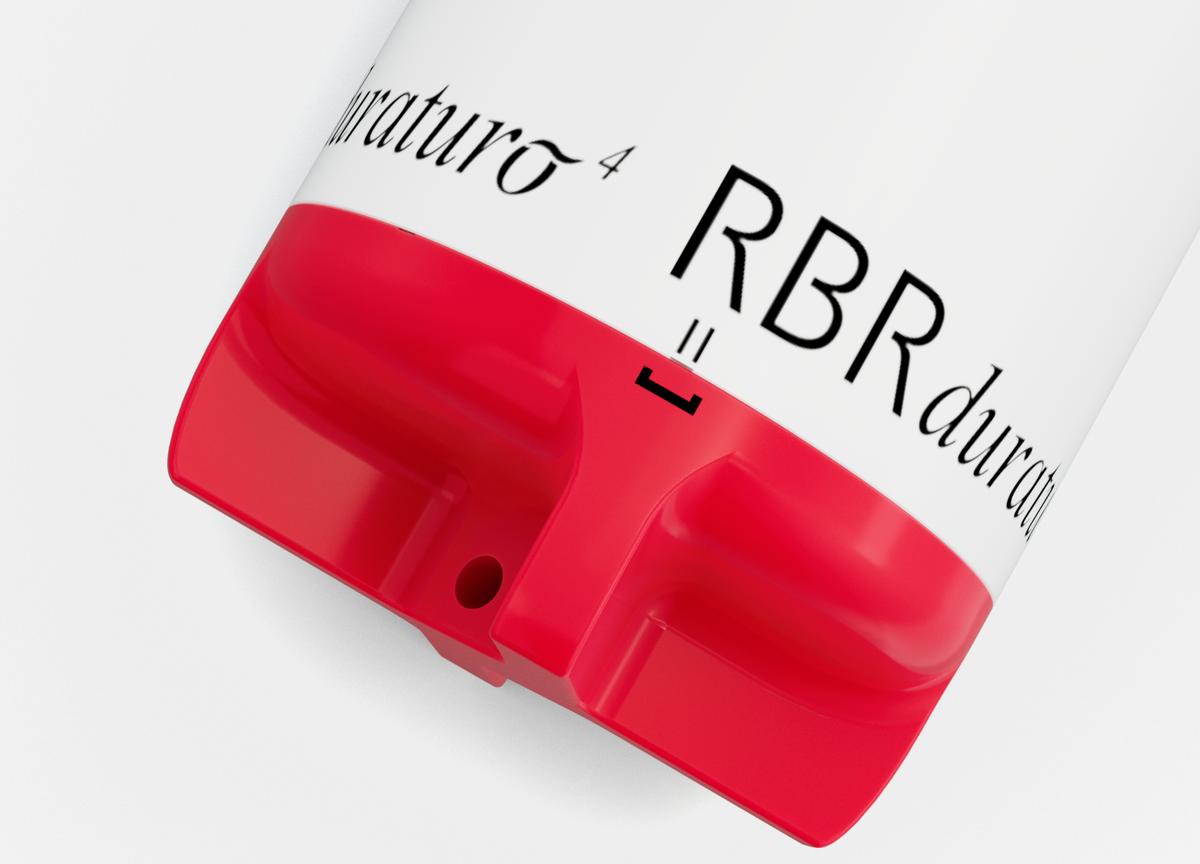
Fig. 4. The battery end-cap in the pause position.
|