Instrument interface
|
Refer to Open and close the instrument for details on accessing connection ports. |
USB-C connection
Remove the battery end-cap to access the USB-C port located inside the instrument body.
A USB-C desktop cable is supplied in the instrument support kit. Use this cable to download data from the instrument to your computer.
Mini-HDMI port
The mini-HDMI port is located next to the USB-C port. This is the port to use for the umbilical cable from a connectorised end-cap.
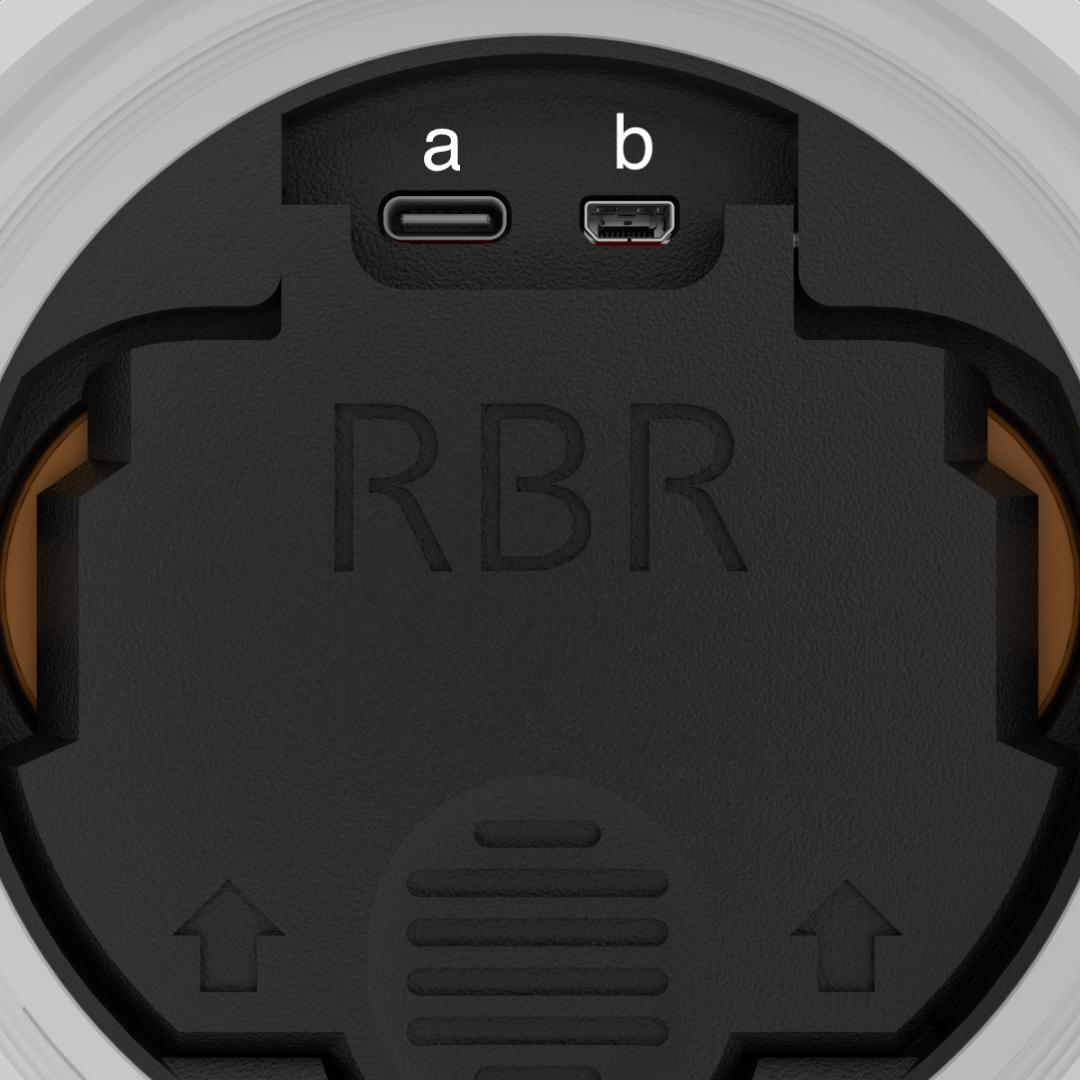
Fig. 5. Inside the instrument body. (a) USB-C port. (b) Mini-HDMI port.