RBRquartz³ BPR interface
The RBRquartz³ BPR instrument provides an internal USB-C port and several external communication options. Select from USB, RS-232, RS-485, and Ethernet at the time of order, and RBR will wire the battery end-cap to support your preferred external connection.
|
Patch cables and underwater extension cables are sold separately. |
|
Refer to Opening and closing the instrument for details on accessing connection ports. Refer to Specifications for the external MCBH-6-MP and MINK-10-FCR connector pinout diagrams. |
USB-C connection Remove the battery end-cap to access the USB-C port located inside the instrument body. A USB-C desktop cable is supplied in the instrument support kit. Use this cable to download data from the instrument to your computer. Mini-display port The mini-display port is located next to the USB-C port. This is the port to use for the umbilical cable from the connectorised end-cap. |
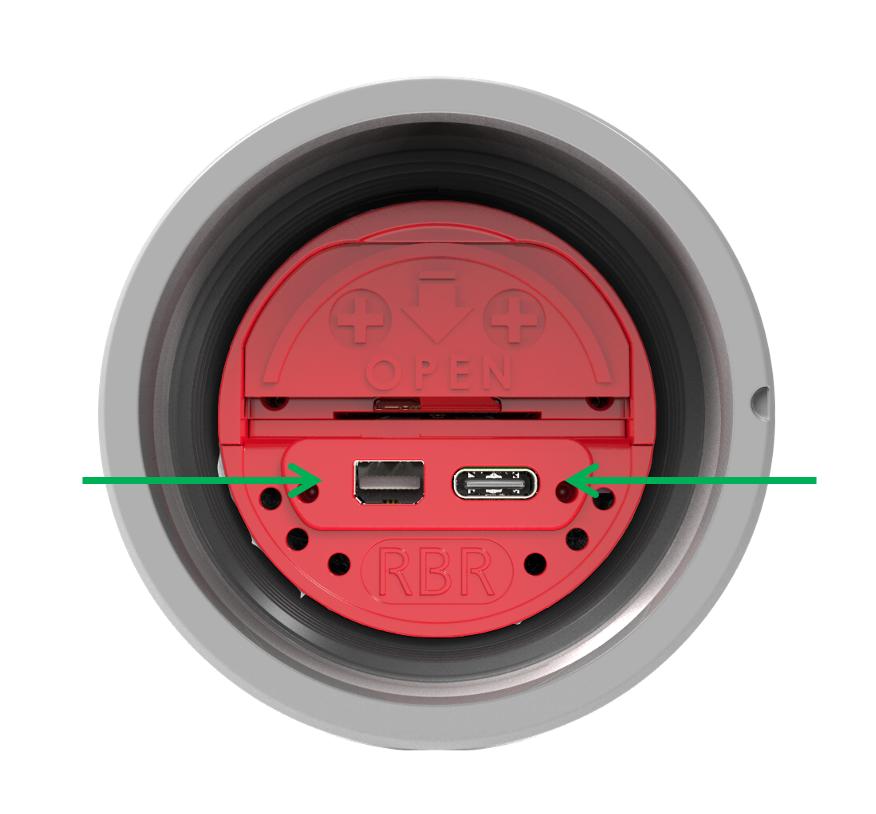
Fig. 4. Left: mini-display port, right: USB-C port
|
End-cap types
The RBRquartz³ BPR instruments are compatible with several different end-caps. These end-caps are interchangeable between instruments.
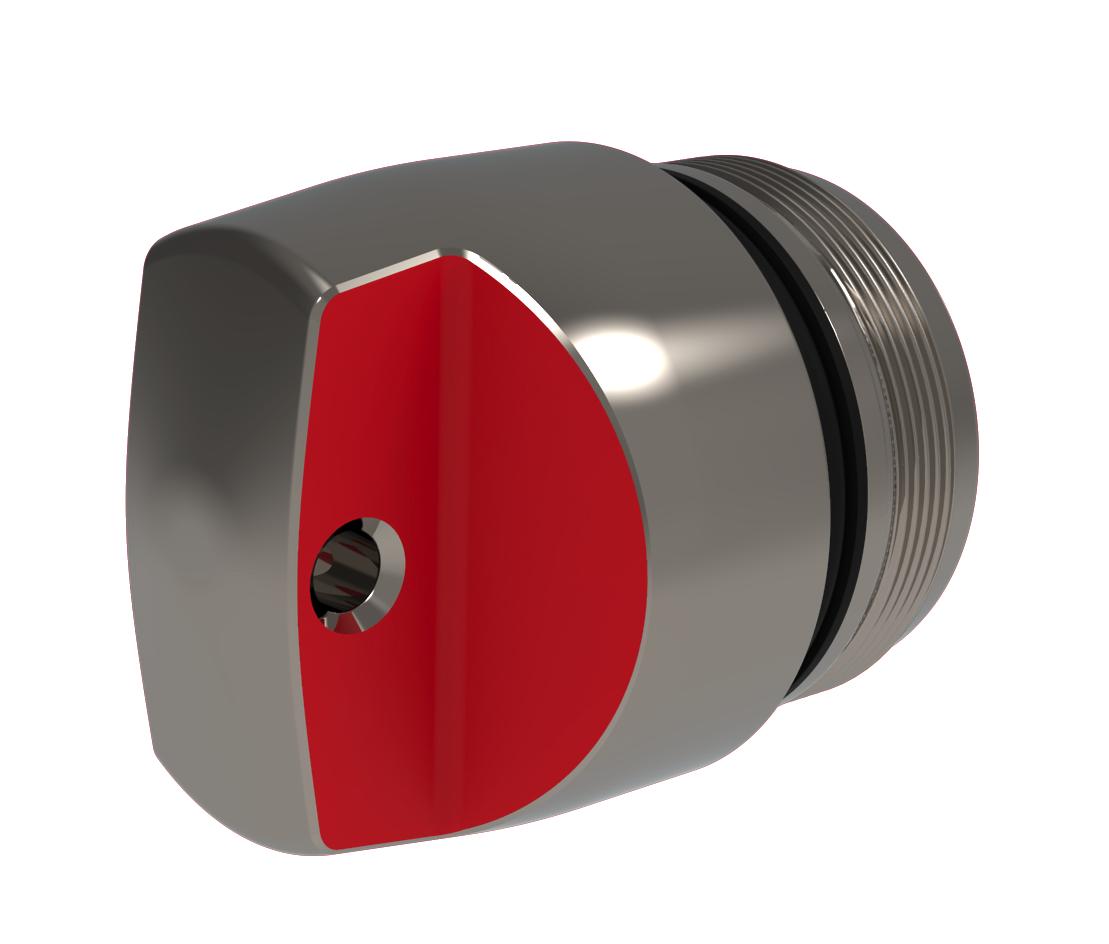
Fig. 5. Standard end-cap
|
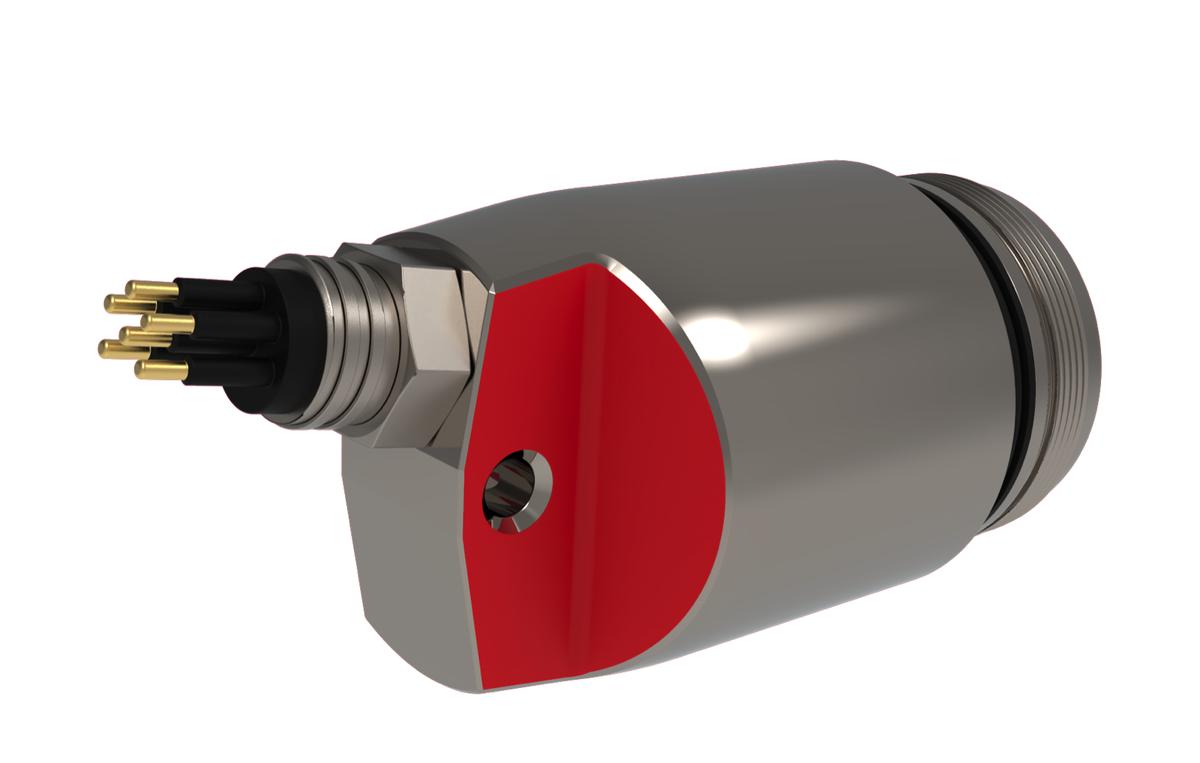
Fig. 6. Connectorised end-cap
|
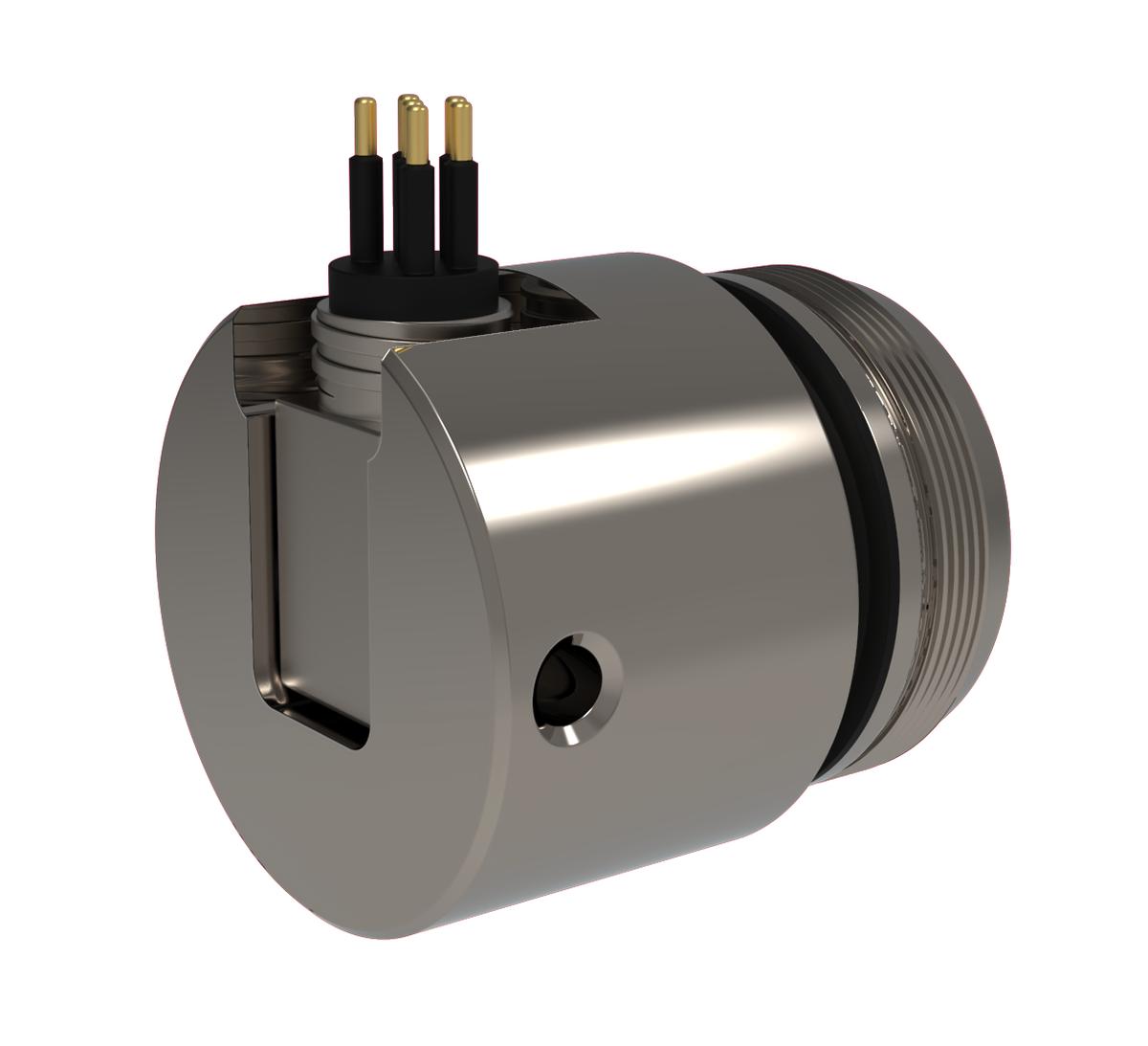
Fig. 7. Right-angle connectorised end-cap
|
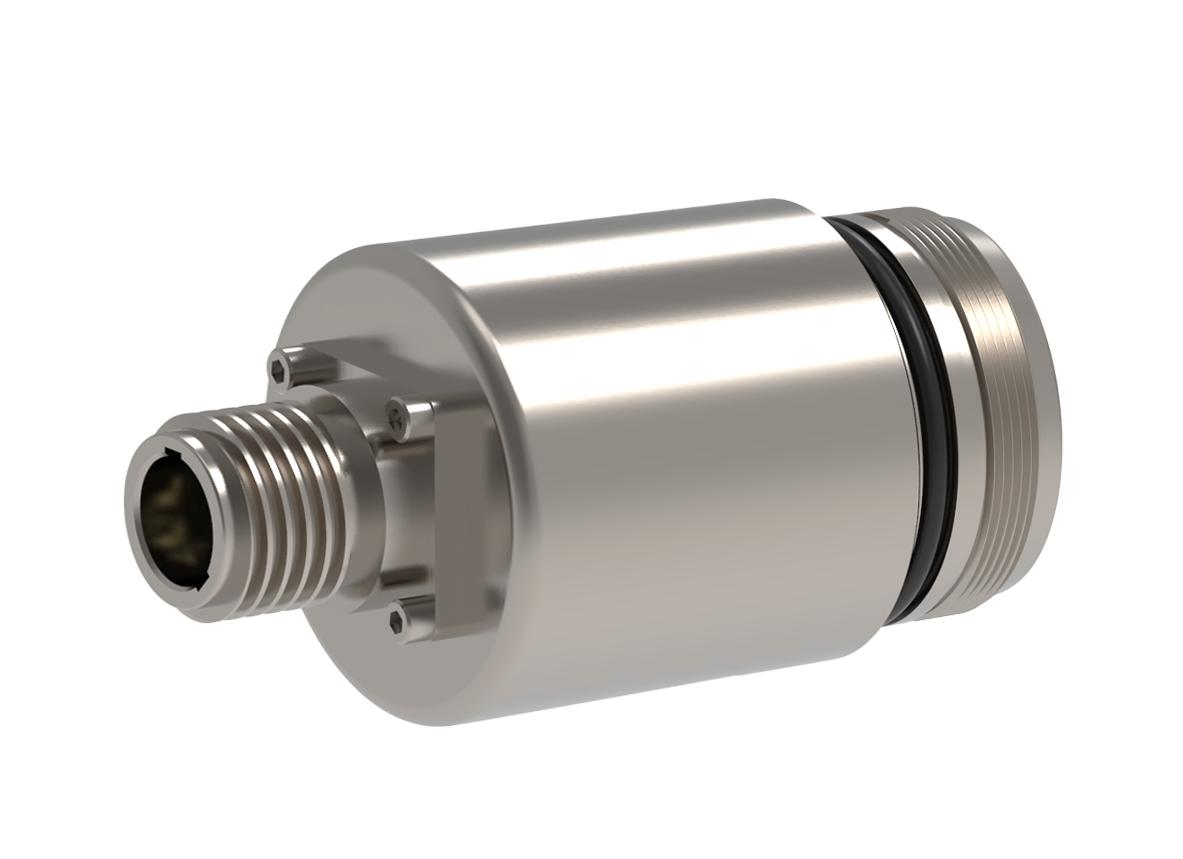
Fig. 8. Connectorised end-cap with MINK connector
|
MCBH and MINK connectors
Only connectorised battery end-caps have the external connector. Depending on your needs, the RBRquartz³ BPR may be wired to support the USB, RS-232, RS-485 communications, or Ethernet (selected at the time of order). Refer to Specifications for details.
|
Patch cables and underwater extension cables are sold separately. |