Replacing batteries

RBR may ship new RBRcervello data controllers with or without lithium thionyl chloride batteries included, depending on your order.

When ordered without the batteries, open your RBRcervello and insert the batteries as shown below. Before each deployment, replace the batteries to maximise the operational time and prevent data loss.

To remove the battery pack:

  1. Remove the internal assembly from the RBRcervello. See Opening the controller.

  2. Remove the intermediate foam.

  3. Press the switch to the off position.

  4. Twist the lock counterclockwise.

  5. Pull the internal battery pack out and remove it from the internal assembly.

To install a new battery pack:

  1. Insert the new battery pack into the RBRcervello internal assembly.

  2. Insert the intermediate foam on top of the battery pack.

  3. Push the battery pack down, into the connector, and twist the lock clockwise.

  4. Press the switch to the on position.

  5. Insert the internal assembly back in the RBRcervello housing. See Closing the controller.

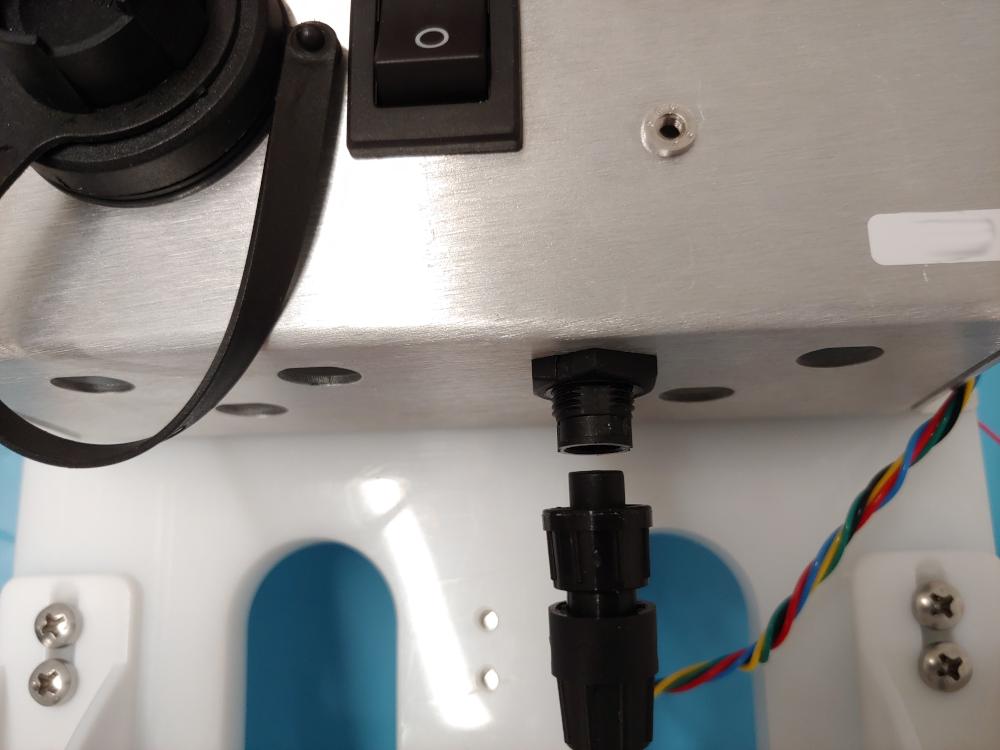
connect battery
Fig. 1.    Battery connector
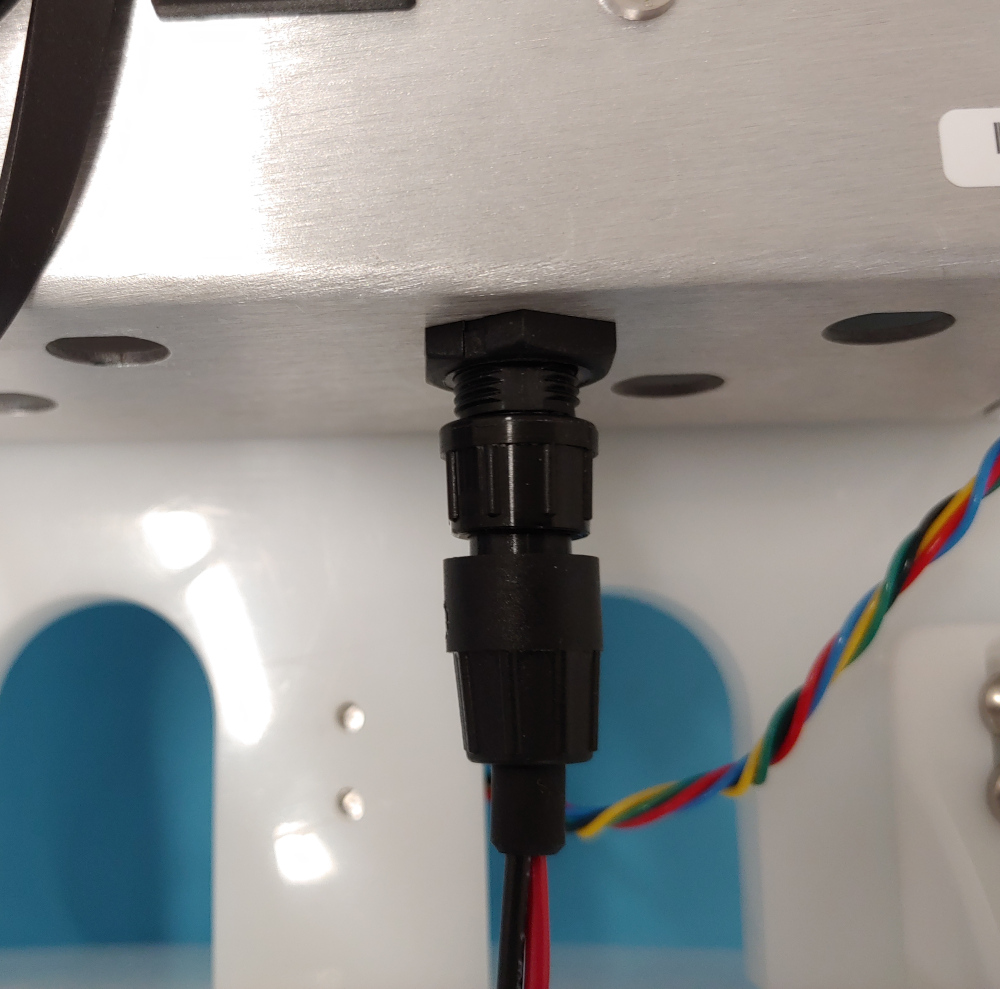
lock connector
Fig. 2.    Lock connector
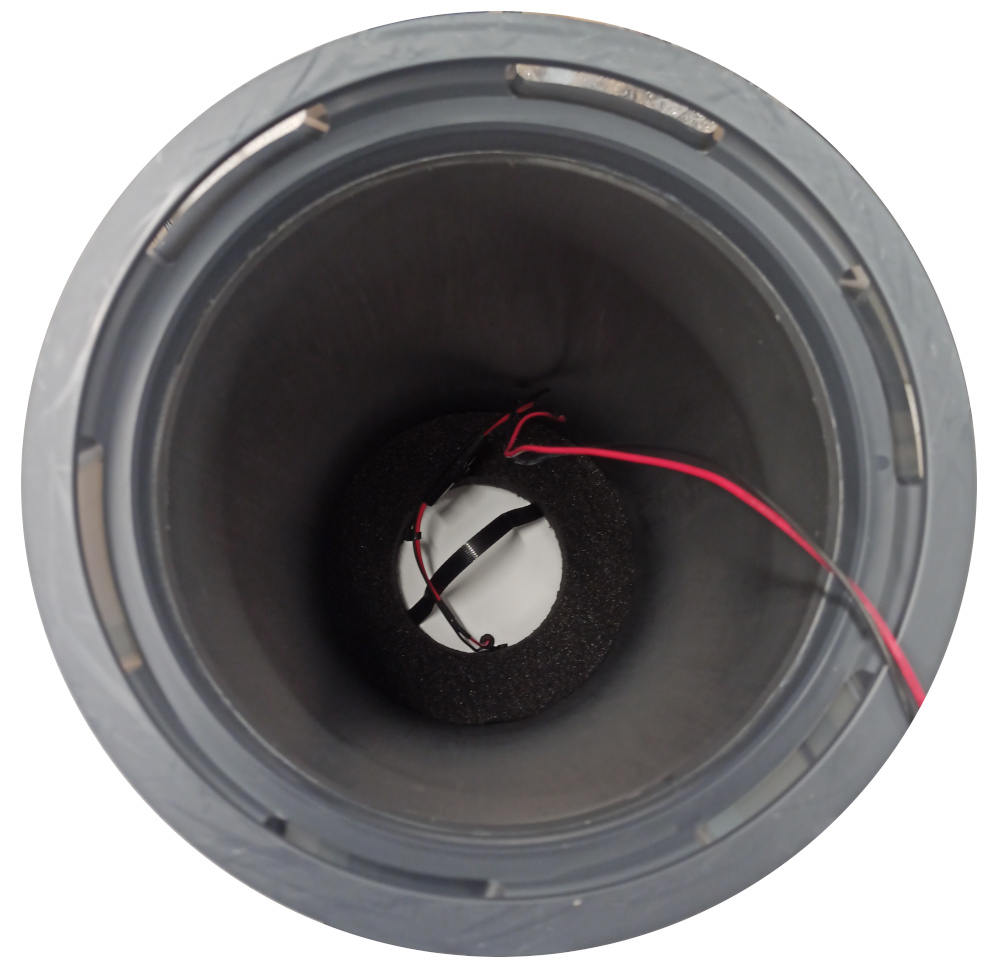
insert battery
Fig. 3.    Inserted battery and foam