Replacing the batteries
RBR ships new instruments with lithium thionyl chloride batteries included. Replace batteries before each deployment to maximise the operational time and prevent data loss.
Ruskin software estimates the remaining battery life during deployment by tracking power consumption in mAh. When setting up your deployment on Ruskin, check "Fresh" to indicate that new batteries are installed.
If using the same batteries for a subsequent deployment, do not check "Fresh" and continue power tracking from the previously recorded level.
See Ruskin User Guide: Standard Instruments3 for more information on predicting battery life.
Replacing the batteries
|
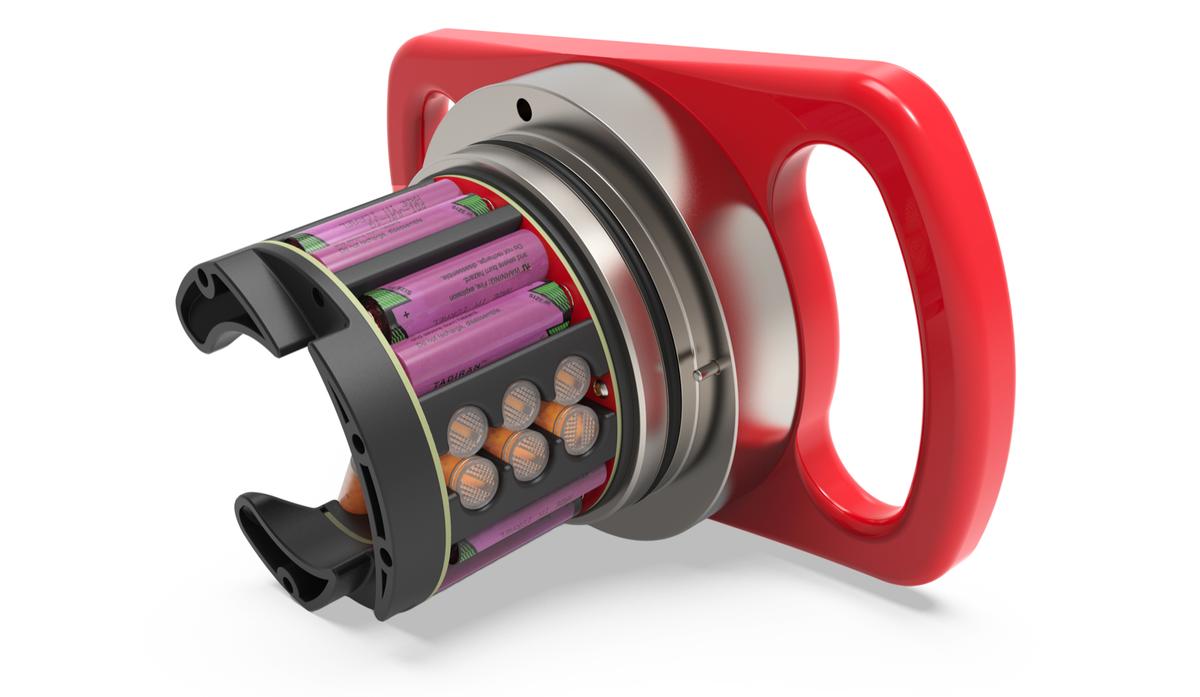
Fig. 14. Location of the batteries
|
|
Always remove the batteries from your instrument during long-term storage! |