Quick start guide

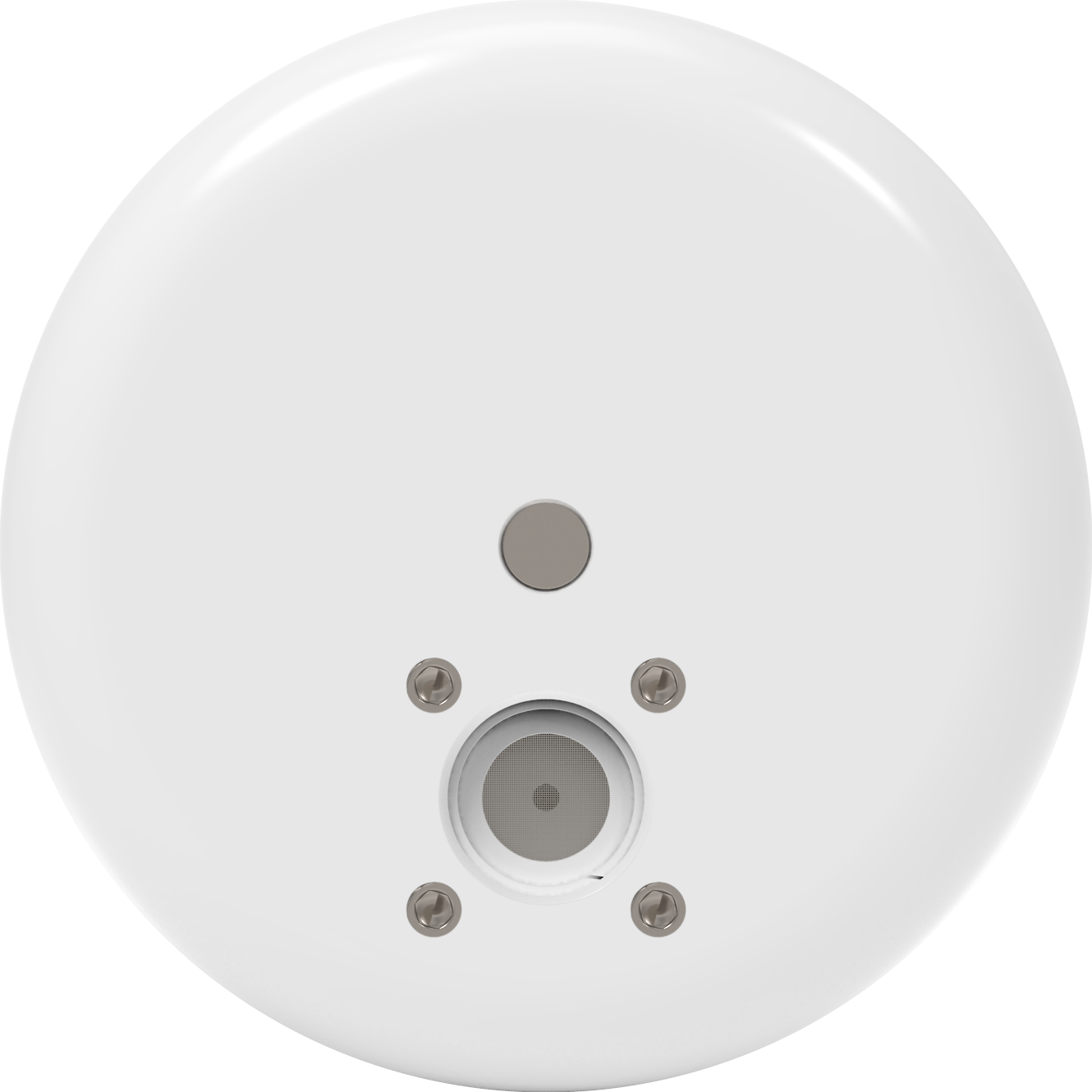
The RBRquartz³ Q uses an integrated Paroscientific Digiquartz® pressure sensor. It offers a flexible measurement schedule, standard and burst sampling, large memory, and sufficient power for extended deployments. The RBRquartz³ Q offers a variety of interfaces, including an internal USB-C port and an optional external port, which can be configured as USB, RS-232, or RS-485.
Included with your instrument
-
USB-C desktop cable with adaptor
-
O-rings, silicone compound, O-ring removal tool, and reusable desiccant
-
Refill adaptor, syringe with stopper, dispensing needle, syringe kickstand, and buffer fluid
-
External pressure adaptor
-
Cap screws and hex keys
-
USB stick containing Ruskin software and documentation
-
Calibration certificates*
*Calibration certificates are available in Ruskin. To download, connect your instrument, go to Information, and select the Download button.
Ruskin software
Find Ruskin software for Mac and PC on the USB stick included with your instrument, or visit rbr-global.com/products/software.
Deploy
| RBR ships all instruments preconfigured to sample at the fastest available rate, with twist activation enabled, and the battery end-cap set to PAUSE. |
-
Turn the battery end-cap to the RUN position. The instrument will vibrate with one long pulse to indicate it has started sampling.
-
Deploy the instrument.
-
To pause logging, turn the battery end-cap to the PAUSE position. The instrument will vibrate with three short pulses to indicate it has stopped sampling.
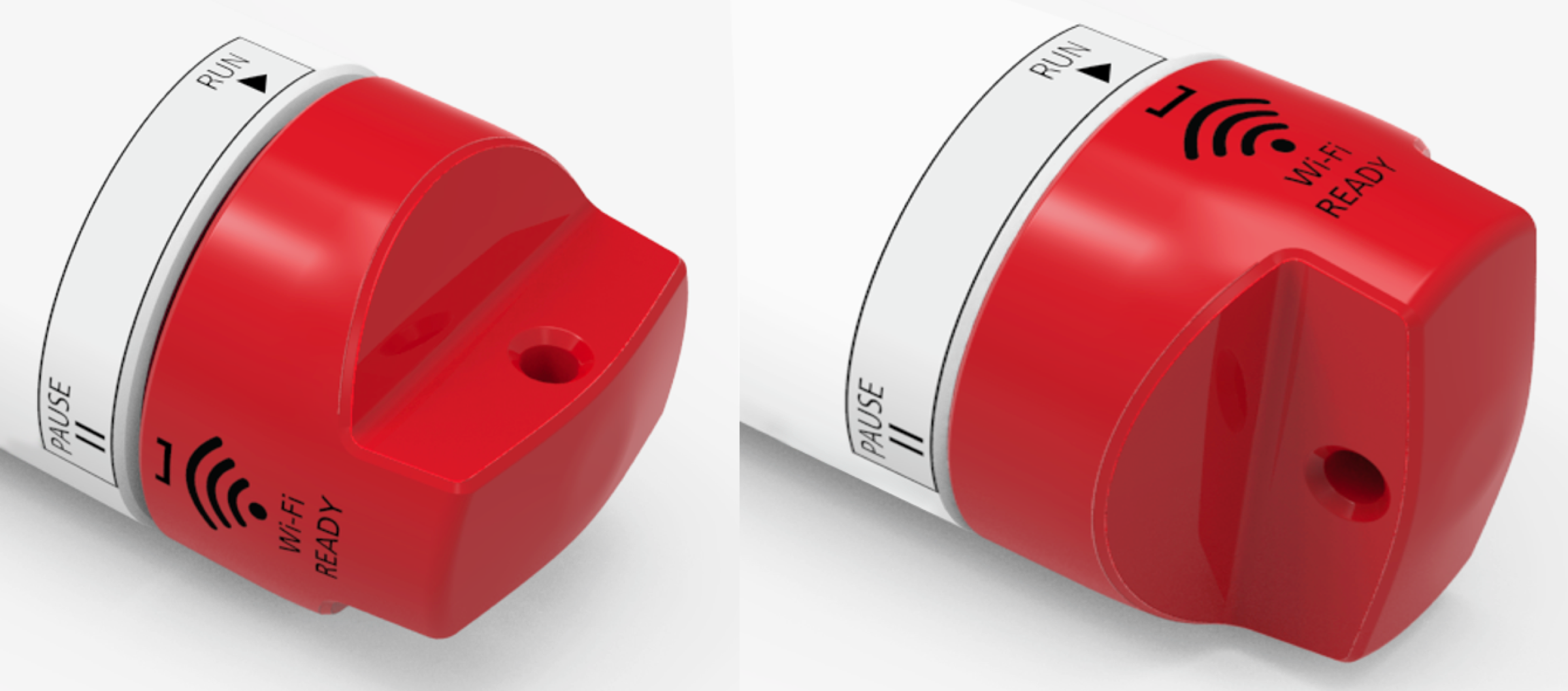
RUN PAUSE
Download
-
Fully unscrew and remove the battery end-cap.
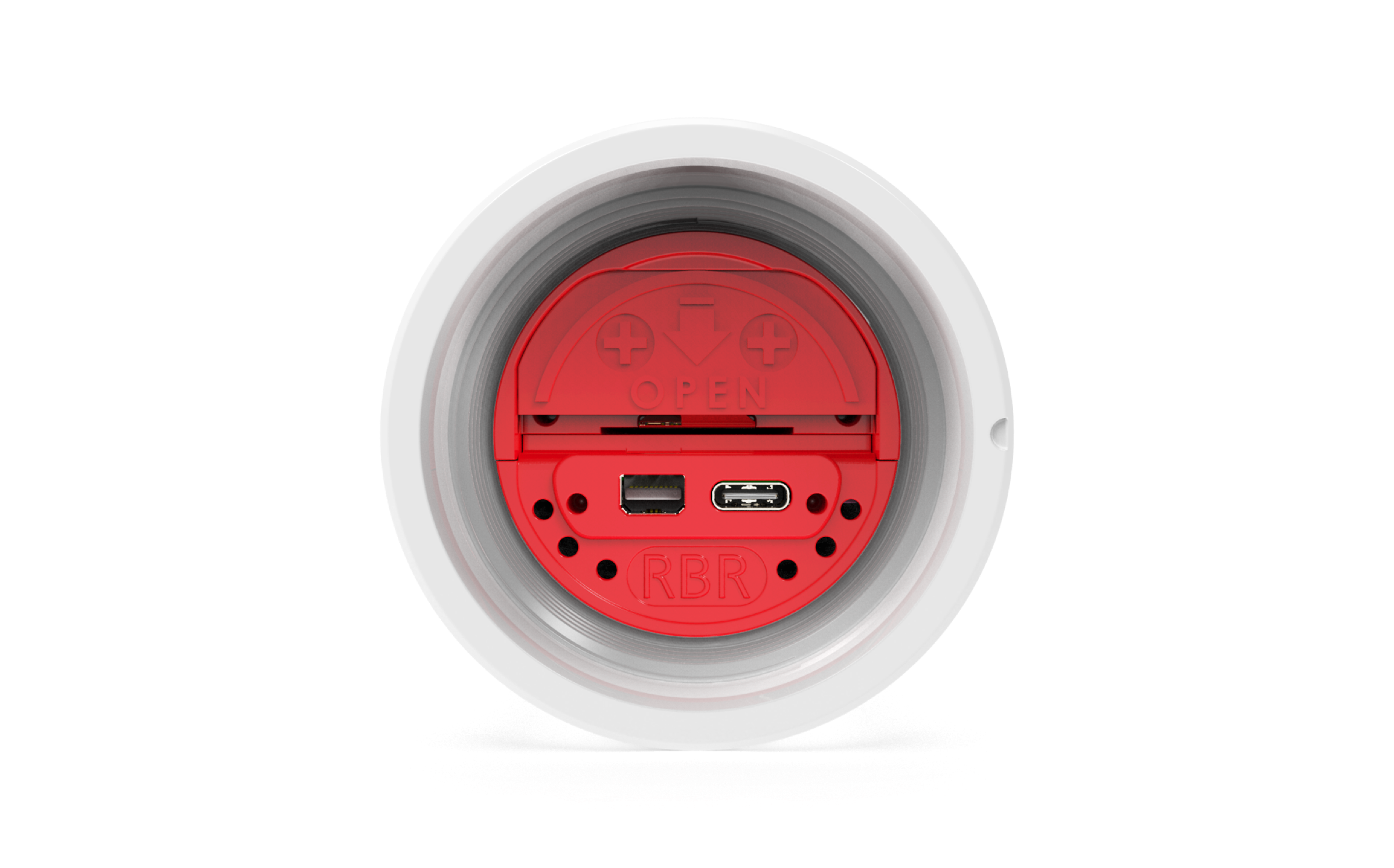
Locate the USB-C port inside the instrument
-
Connect the USB-C desktop cable to the USB-C port. The instrument will appear on Ruskin.
-
Click Download... and choose a location to store the dataset.
Deployment checklist
RBR ships all instruments with new, highest capacity batteries and fresh desiccant capsules included, and the O-ring installed, so that the instrument is ready for its first deployment.
For any subsequent deployment:
-
Install new batteries.
-
Install fresh desiccant (orange).
-
Inspect, clean, replace, and lubricate the O-ring.
| Always remove the batteries from the instrument during long-term storage! Doing so will prevent internal damage due to battery leakage and/or corrosion. |
Support
To access support within the Ruskin app, navigate to Help > Comment on Ruskin....
For technical support, please reach out to [email protected], call +1 613 599 8900 (UTC-5), or visit rbr-global.com/support/service.