Quick start guide

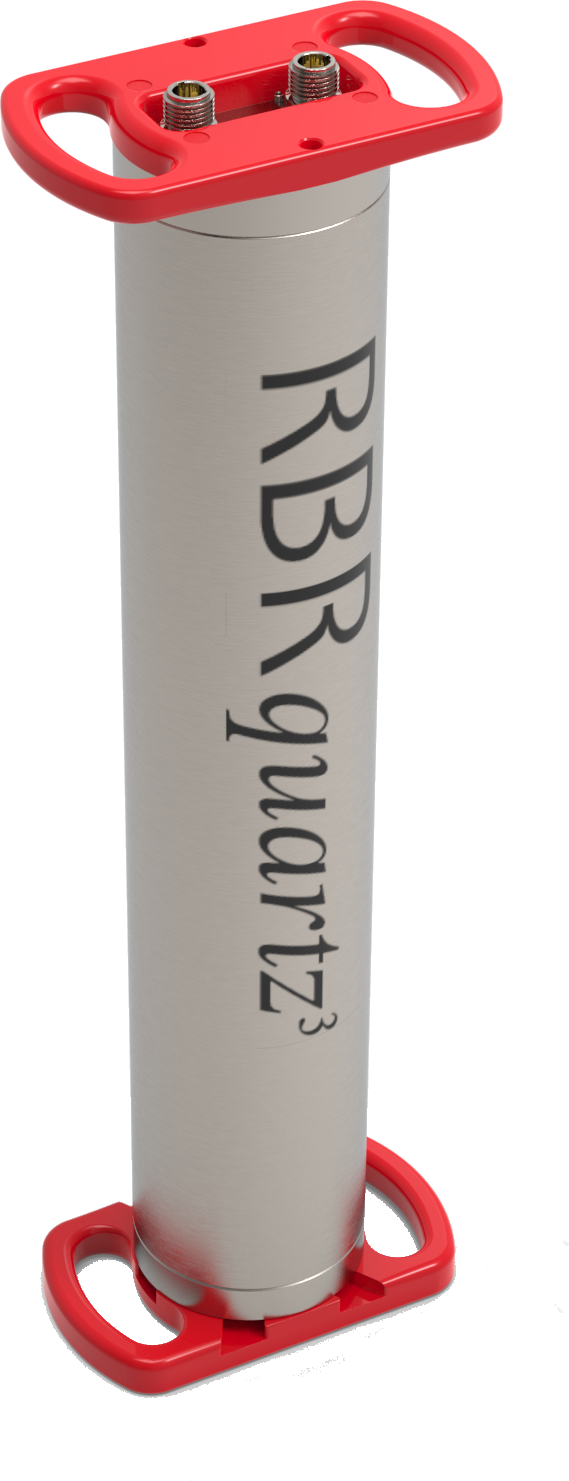
The RBRquartz³ BPR | zero is a special version of the robust RBRquartz³ BPR implementing the AzeroA technique to correct for the long-term drift in the pressure gauge. This instrument integrates one or two Paroscientific Digiquartz® pressure gauges, an internal quartz barometer, and a switching valve. The AzeroA drift correction technique periodically activates the switching valve to perform reference measurements of internal housing pressure. The RBRquartz³ BPR | zero requires external power to operate the valve.
Included with your instrument
-
USB-C desktop cable with adaptor
-
Reusable desiccant, O-rings, and oil absorbent pads
-
Silicone compound
-
O-ring removal tool
-
5mm hex key
-
USB stick containing Ruskin software and documentation
-
Calibration certificates*
*Calibration certificates are available in Ruskin. To download, connect your instrument, go to Information, and select the Download button.
Ruskin software
Find Ruskin software for Mac and PC on the USB stick included with your instrument, or visit rbr-global.com/products/software.
Deploy
-
Use the 5mm hex key (included) to remove the cap screws and open the instrument.
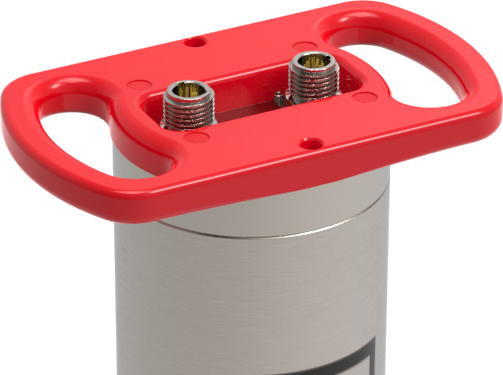
Remove the cap screws
-
Locate the USB-C port under the end-cap.
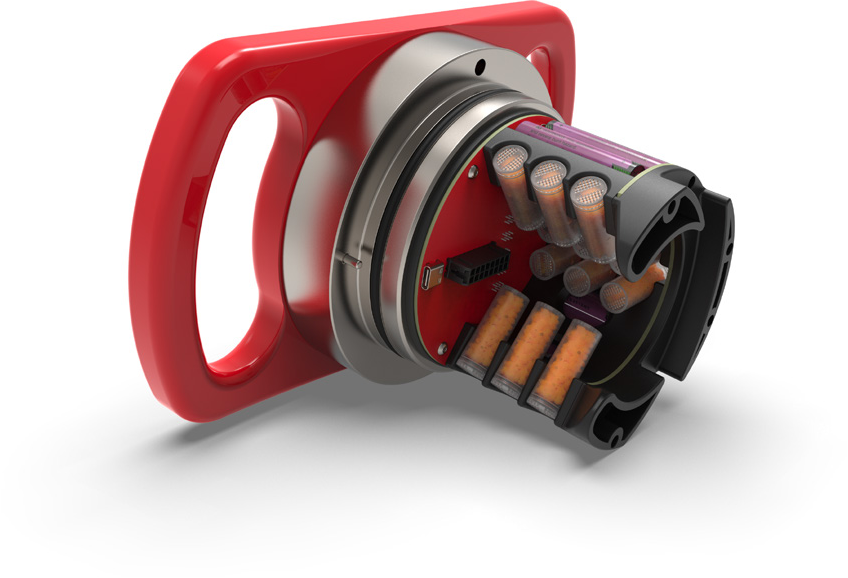
Locate the USB-C port under the end-cap
-
Connect the USB-C desktop cable to the USB-C port. The instrument will appear in Ruskin.
-
Select the required Sampling mode and speed.
-
Select UTC or Local to synchronise the instrument clock to the computer.
-
Choose whether to start Now or enter your desired Start date/time.
-
Review the estimated End date to ensure it fulfils the deployment requirements. Longer deployments can be achieved with better battery chemistry or lower sampling speeds.
-
Click Enable to start the deployment.
-
Align the battery end-cap with the slot on the instrument housing and gently push down to ensure it fits in place.
-
Reinstall the two cap screws and tighten to 1/4 turn past tight (10Nm max).
-
Connect the instrument to external power to enable the AzeroA drift correction technique.
Download
-
Open and remove the battery end-cap as shown.
-
Connect the USB-C desktop cable to the USB-C port. The instrument will appear on Ruskin.
-
Click Download... and select a location to store the dataset.
Deployment checklist
RBR ships new instruments with new lithium thionyl chloride batteries and fresh desiccant capsules included, and the O-rings installed, so that the instrument is ready for its first deployment.
For any subsequent deployment:
-
Install new batteries.
-
Install fresh desiccant (orange).
-
Inspect, clean, replace, and lubricate the two O-rings.
-
If using external power, inspect the RBRfermata underwater battery canister and ensure it is fit for deployment with your RBRquartz³ BPR | zero.
| Always remove the batteries from the instrument during long-term storage! Doing so will prevent internal damage due to battery leakage and/or corrosion. |
Support
To access support within the Ruskin app, navigate to Help > Comment on Ruskin....
For technical support, please reach out to [email protected], call +1 613 599 8900 (UTC-5), or visit rbr-global.com/support/service.